
PLAY · OBSERVE · TRY AGAIN
Nightmare Neighborhood
Play Nightmare Neighborhood and learn how costumes, Tricks and candy decisions shape your Halloween escape in this illustrated browser guide.
Keyboard / controller required by the source. This page fits phones, but touch gameplay is not verified for this hosted edition.
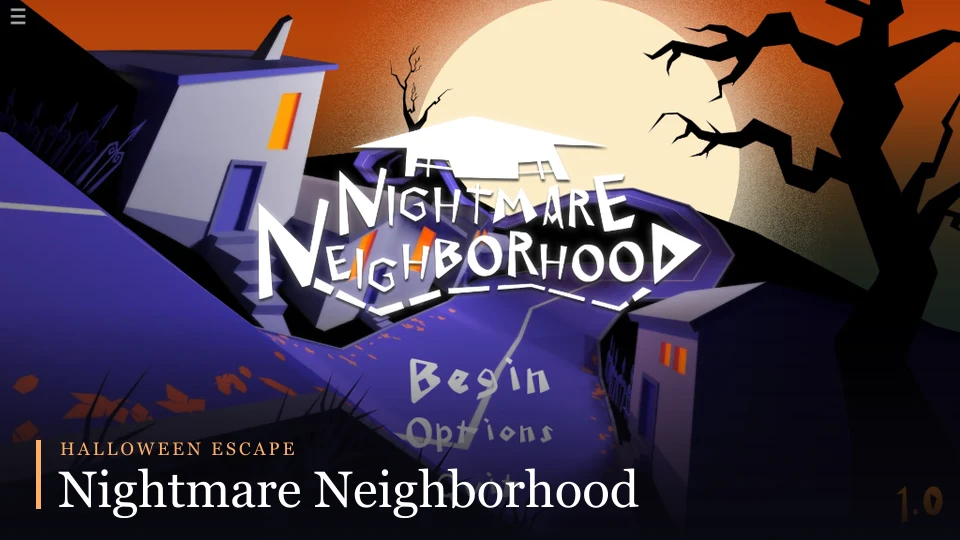
Press Play to load the external game. On a phone, landscape gives the frame more room. The source link remains available if loading stalls.
More games to explore
 Odio el ChocolateReturn to the schoolNightmare NeighborhoodCandy, costumes and a Halloween escape
 Dead PlateBusy bistro service and slow-burn horror
 Suzy SaysRule-following survival horror
 When the Clock StopsBasement survival
 Cobb Can MoveChanging-rule survival horror
 Trees Hate YouForest traps and quick retries
 Frankie's Fun HouseObservation and object puzzles
 You Are HamsterShort horror comedy
Prepare your next attempt
Choose the help for your device. These controls explain the setup; they do not send keys into the game.
The current source does not have verified touch gameplay. Use this phone-friendly guide, or switch to a computer for the game. Fullscreen and installing the website do not create a joystick.
0/4 preparation steps checked for Nightmare Neighborhood. This visit only; not a game save.
What kind of Halloween game is this?
Nightmare Neighborhood is a Halloween adventure built around a trick-or-treat outing that turns into an escape problem. Candy gives you a reason to visit unfamiliar places, but the decisions that make the trip interesting are about costumes, Tricks and the occasions on which you use them. If you came from Odio el Chocolate for another game about collecting sweets under pressure, this is the natural next stop. Do not expect the same map, movement system or rules for getting out.
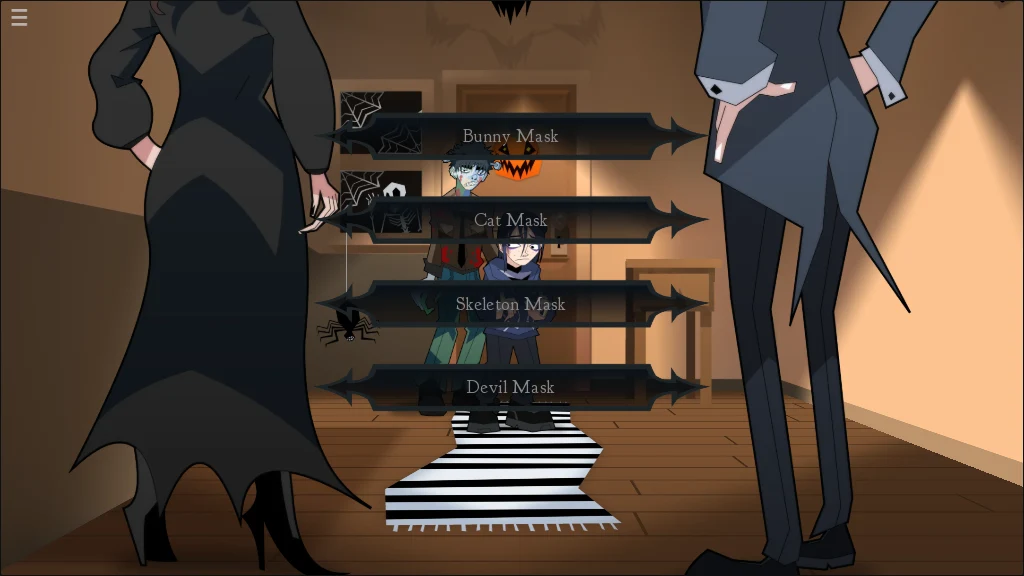
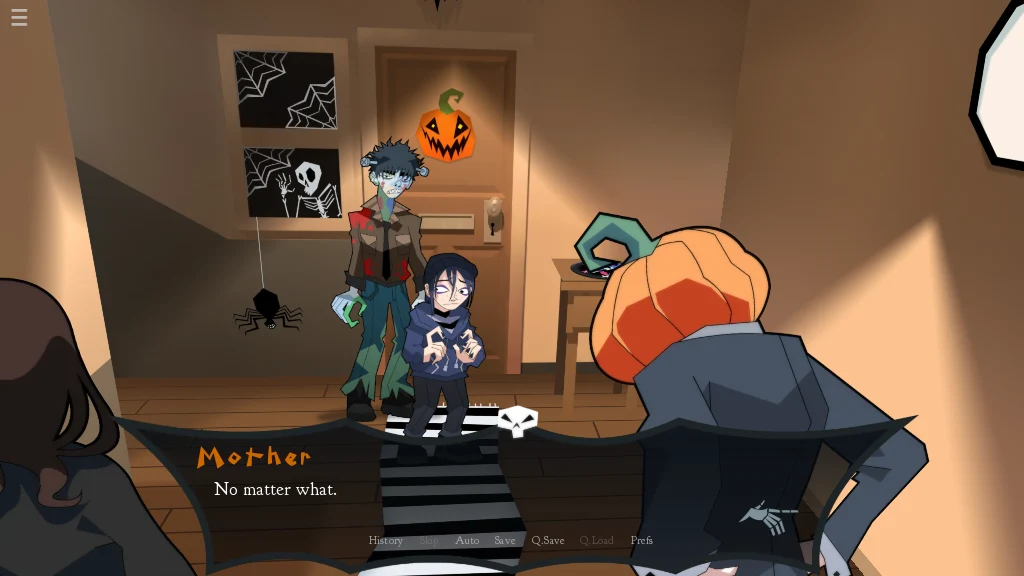
Treat the opening as part of the story rather than a test you have already failed. The indoor conversation happens before the decisions that define the outing. It introduces an ordinary evening before the game starts making ordinary choices feel strange. The dialogue display and the scene behind it are different layers of information: one tells you who is speaking, while the other gives a location and visual context. Neither is an inventory screen. If you are waiting for a candy counter there, advance the conversation cautiously rather than searching for a button in the screenshot.
The guide is organized around decisions you can see in an early session, not a route that promises every outcome. Read only the section that answers your immediate question if you want to keep the surprise of the next scene. The separate browser link is useful when the inline player does not load; it opens a new session instead of acting as a continuation button.
Start with a question, not a checklist of every house
Give your first outing one purpose. You might want to learn what changes when you wear a different costume, understand how a Trick is presented, or simply find out what counts as a successful candy interaction. These are different questions. Trying to answer them all during the same unfamiliar encounter makes it hard to remember which choice preceded the result.
Begin by identifying the current location and the decision the interface is asking you to make. If a conversation is still running, treat the next input as advancing dialogue until the game signals otherwise. Do not spend time searching an indoor image for outdoor movement controls. The appearance of a place and the action available in it are separate clues. One tells you where the characters are; the other tells you how to proceed.
When the outing opens up, pick a simple comparison. Decide what you expect from one encounter, take the offered action and look at the response before choosing again. A surprising line of dialogue may be worth reading even if it does not give you more candy. A useful first run produces a clear observation, such as realizing you changed your plan before seeing the result, rather than a perfect map. The interactive checklist above can help you name that observation without affecting the underlying game.
Read a costume as a choice with context
It is easy to treat the costume as decoration when the art gives you something more dramatic to look at. Instead, remember which outfit you selected before an encounter. If a character reacts in a way you did not expect, you need that information to compare the result with a later visit. Think of the costume as one part of the situation, not as a universal answer to every obstacle.
Use a compact note with four fields: costume, encounter, action and result. Write what actually happened in the final field, even if it is only that someone gave you a different reply. Do not label a costume as good or bad based on one ambiguous conversation. Changing the outfit and the action at the same time prevents you from knowing which change mattered. A second attempt in a similar situation can be useful precisely because you have made fewer changes.
If you are comparing notes with another player, describe the point in the evening, not only the costume name. A choice that sounds identical in a summary may appear in a different context. Keep discoveries specific to the encounter you observed. This makes your notes practical while leaving room for the game's own surprises. For a different kind of object-driven observation after the outing, the Frankie’s Fun House link below leads to its separate browser guide.
Decide what you want a Trick to accomplish
Before using a Trick, ask why you are considering it. You may be looking for candy, investigating an unusual response or trying to move the evening toward a safer situation. If the interface offers more than one meaningful choice, read the options all the way through. A funny-looking response may be exactly what you want on a discovery run, yet a poor fit on an attempt where you are trying to avoid adding uncertainty.
After committing, give the game a chance to show the outcome. Read any response and look for a clear transition or confirmed change before taking another action. If you advance several times immediately, it can be difficult to tell which input prompted the result. This matters especially in a story scene where pressing a key may dismiss a line rather than select the next option you had in mind.
When the result is not clear, keep the uncertainty in your notes. You can record that a Trick produced new dialogue without claiming it awarded candy or opened a route. Check the current interface instead of drawing conclusions from the mood of a scene. The next time you see a comparable choice, change only one part of your approach. That is more informative than searching for a supposed best Trick that ignores different encounters.
Keep track of candy without losing the escape goal
Collecting candy gives the outing direction, but a useful collection plan also leaves room for the rest of the objective. Read what the game currently asks of you instead of importing the thirteen-chocolate target from Odio el Chocolate. These games share a theme, not a counter, route or victory condition. Look for the information that belongs to this session before deciding you need to revisit a location.
Mark discoveries by purpose. An encounter that confirms where you are going is different from one that increases your total, and a scene that explains a character is different from an exit. If a location did not obviously help, first ask whether the game gave a different kind of feedback. Moving on with a clear question is often better than repeating the same interaction without changing anything.
If you reach a point where the mood changes, pause your reading of external hints and take stock of the current screen. Are you in dialogue, making a selection or reacting to a new situation? Look for a clear route or prompt rather than trying to follow a memorized sequence from a video. This guide intentionally leaves the final route open. It helps you bring order to the decisions that lead up to it, without making the escape itself feel like copying someone else's playthrough.
Recover from a confusing screen or failed attempt
Distinguish a browser issue from an in-game obstacle. A visible menu, changing dialogue or an active selection suggests the game is responding even when you do not yet know what to do. A frame that stays blank from the moment you press Play needs a different check. Try the direct browser link, wait for an identifiable menu and read the controls shown by that edition. The outer page cannot reliably detect every error from another host.
If the keys scroll this page, focus the game before deciding the bindings are broken. If the guide fits your phone but the game does not respond to touch, use a computer rather than assuming the page can create a control scheme for the remote build. Fullscreen can improve readability; it cannot add inputs the game does not support. Part of an image may depict interface text that is easier to read at its native size, which is why the illustrations open separately.
For an unsuccessful run, write down the last decision you remember and the evidence you saw immediately afterward. Separate that from anything you guessed after the fact. On the next try, keep the costume or approach fixed and change the other variable. If you need to restart, use the game's menu where available or confirm the page's reload action knowing that unsaved progress may be lost.
Make a second outing feel different on purpose
The second outing is most useful when it has an intention different from the first. If you spent the first attempt following the broad objective, use the next to revisit one conversation or costume choice that you did not understand. If your first outing focused on experimentation, take a more deliberate route and compare how much uncertainty you removed by preparing before each encounter.
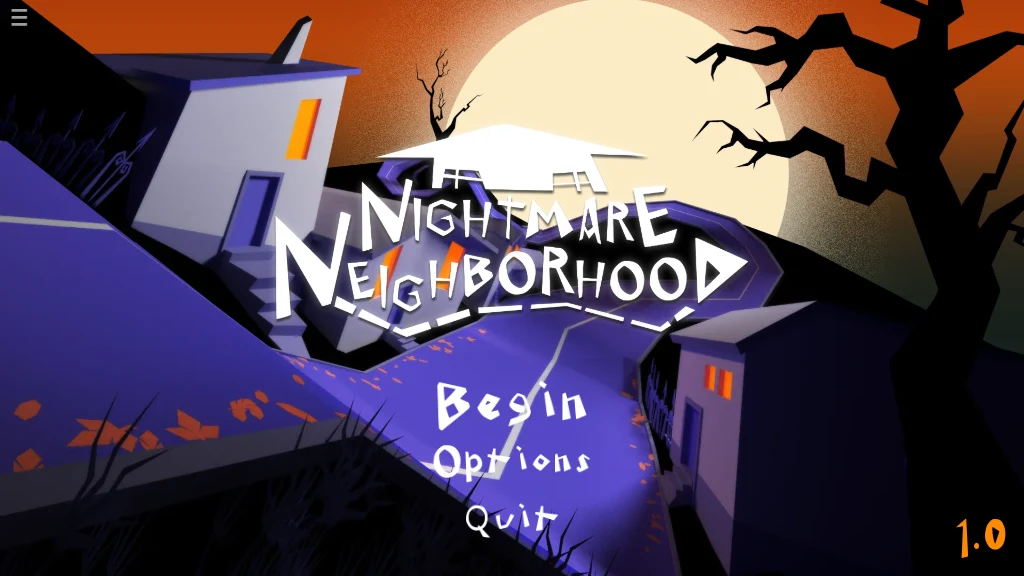
Use the chapter links as a reference rather than reading the whole page between every decision. The screenshots help distinguish a menu from dialogue and the neighborhood setting from a completed route. They are moments from the browser edition, not a solution map or proof that every variant appears in the exact same order. The checklist tracks only the tasks you marked on this page and cannot transfer a save into the game or across languages.
When you are ready to switch games, choose by the part of the evening you enjoyed. Dead Plate trades costume choices for the practical pressure of a restaurant shift. Frankie’s Fun House offers a slower stretch of observation and object puzzles. Return to Odio el Chocolate if you want the original school collection loop again. Those links are separate experiences, so finish or save your current session using the game's own controls before leaving. A fresh page does not automatically preserve the state of an active frame.
Questions before your next run
What is Nightmare Neighborhood about?
It follows a Halloween outing that turns into an escape challenge, with candy, costumes and Tricks shaping the decisions.
Which costume should I choose first?
Start with one you can remember and observe the response to one encounter. This guide does not assign a universally best costume.
Does every Trick give me candy?
Do not assume that. Read the response and look for a confirmed result; a different conversation is not itself evidence of candy collected.
Is this the same as collecting chocolate at school?
No. Odio el Chocolate is a separate game with its own collection goals, map and controls.
Can I read without loading the game?
Yes. The screenshots, chapter links and checklist work before you press Play.
Will it work on my phone?
The guide fits narrow screens. Touch gameplay and complete phone compatibility have not been verified for this hosted edition.
Does the checklist save my decisions?
No. It records only what you mark during the current visit. It cannot save or change the underlying game.
Will switching to Spanish translate the game?
It translates this guide. The language inside the player depends on the hosted edition.
Independent guide. The screenshots show the hosted browser game. Game reference ↗