
 Odio el Chocolate
Choose the help you need
Reference only: these buttons do not change game bindings, pause the story, or save progress.
Desktop controls
Click inside the loaded frame. Use WASD to move, the mouse to look, Space to jump, and E to interact. Test one action at a time; current on-screen instructions take priority.
Another room, another way to feel small
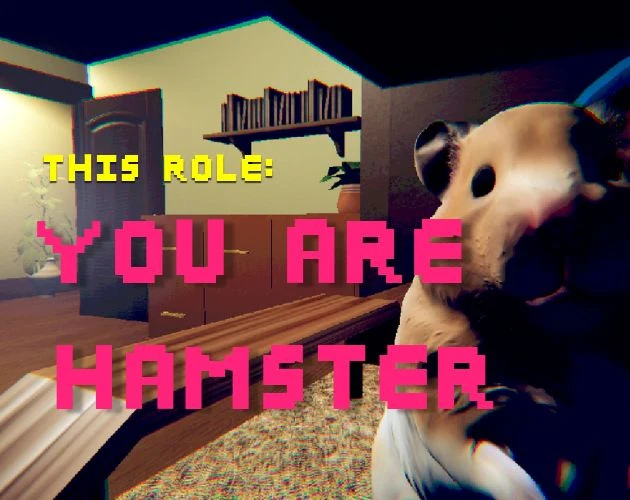
You Are Hamster is a separate horror-comedy game by SeenThai, recommended here for players interested in strange spaces and direct exploration. It is not a new Odio el Chocolate mode. There are no promised chocolate targets, familiar school routes, or transferred items waiting in this room.
The premise places a hamster in an owner's room, where the animal notices something the owner cannot see. That difference in awareness is the invitation to play. It is enough to establish unease without explaining later events or inventing a detailed system from a short description.
This page uses an English guide for the independent game entry. The site's original Spanish and English Odio pages remain available through their own navigation. Treat the new card as a change of game, not a translated chapter of the same story.
Check the entrance before the story begins
Pressing Play creates the external browser frame. Until then, the cover is simply a launch surface. Waiting for a visible game scene is a separate step from loading this website, so avoid judging the whole launch by how quickly the surrounding text appears.
Once the scene is ready, click inside it and try a small movement. A browser can keep keyboard focus on a link or another media element. Refocusing the frame is a sensible first response if your character does not move or the page scrolls instead.
The fullscreen control requests a larger view from the browser. It does not alter the game's objectives or save state. If unavailable, stay in the ordinary frame or open the supplied direct address, remembering that a new document is a new game instance rather than a transferred run.
Leave the school's control assumptions behind
The original controls for this game are WASD movement, Space to jump, and E to interact. Mouse looking is also described by the browser entry. Start with those instructions rather than importing an item key or sprint habit from Odio el Chocolate.
Test movement and looking separately. If you combine them immediately, it can be difficult to tell why the room's view changed. A short input followed by observation establishes a clearer relationship between the action and the result.
When an interaction seems possible, use the visible prompt as the strongest clue. The presence of a prop in an author screenshot does not establish that it can be picked up. This guide avoids inventing inventory slots or object effects that are not part of the verified basic instructions.
Use familiar objects to recover orientation
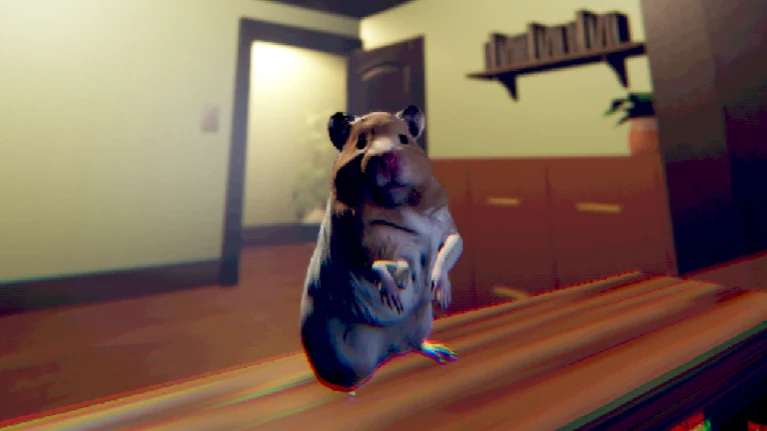
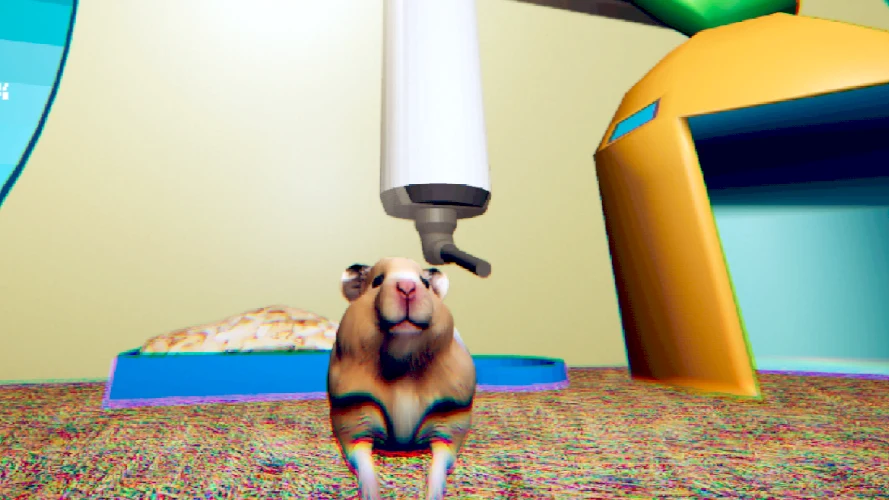
A household room has a different visual vocabulary from a school corridor. The creator images show furniture, a doorway, and cage equipment surrounding the small protagonist. Choose one recognizable shape and use it as a reference when you turn.
If the view becomes confusing, stop adding motion for a moment. Find the last object you could describe and rebuild your orientation from there. This is an observation technique, not a guarantee that the room contains a fixed safe route or that one object is the correct objective.
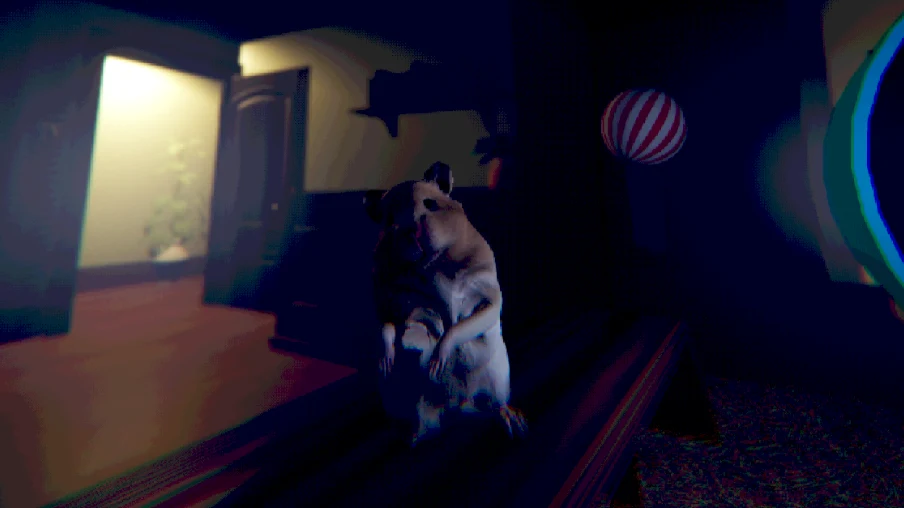
The images are public source artwork, not screenshots from a completed browser test. They help communicate proportions and atmosphere. They cannot show which events your own attempt has activated or prove that a pictured camera angle is available at every point in the hosted edition.
Keep exploration separate from collection
Odio players may instinctively search for a target count. Here, no chocolate quota or score route is established by the supplied basic information. Begin with what the scene asks rather than turning every corner into a search for a familiar resource.
A short horror comedy can guide attention through situations instead of presenting an extensive map. An odd detail might matter to the story without being collectible. A funny moment might be a deliberate surprise rather than a hidden clue to an achievement.
If you need a next step, ask a narrow question: is there a prompt, can I move, or did the view change after my last action? That keeps exploration connected to actual feedback. It is more useful than following a checklist borrowed from a different game.
Choose your tolerance for surprise
The hamster's appearance is playful, but the creator identifies the experience with horror as well as comedy. Do not interpret the animal role as a guarantee of a children's pet simulator. Set your sound comfortably and decide whether you want to encounter later moments without a preview.
The reference videos are placed below the practical guide so that watching is a choice. You can use the controls and browser advice first, then consult footage only if a specific uncertainty remains. This preserves more of the short story than watching both recordings before pressing Play.
Stopping is always a valid option if the tone is not what you wanted. The website does not score bravery or require completion before another card becomes available. Recommendations should help you find a suitable experience, not pressure you into finishing one.
Plan for a visit without a checkpoint
The original description estimates about ten minutes and states that pause and save features are absent. Allow enough time to explore without frequent interruptions. The estimate does not include every loading delay or learning curve, and it should not become a deadline.
Changing browser tabs is not a documented pause command. It may release focus while the game continues, or the device may suspend activity unpredictably. Keeping a tab open is therefore not a dependable method for preserving an exact story moment.
This page's reference panel has no access to game progress. It cannot store a checkpoint, unlock an ending, or confirm completion. Opening the game directly, refreshing, or moving to another device may start a new attempt, regardless of what the website remembers about its own interface.
Test touch support rather than assuming it
The supplied host includes a touch-control script and a version parameter identifying a touch revision. Those are useful implementation details, but they do not prove that every phone or tablet can complete the experience. Screen space, browser behavior, and input reachability still matter.
If playing on a touch device, inspect the visible controls before progressing far. Test movement, looking, jumping, and interaction separately where the host offers them. A scene rendering successfully is only the first check; an essential action that cannot be reached remains a real limitation.
Use a desktop keyboard and mouse if mobile control is uncomfortable. Fullscreen may improve space but does not create missing input support. Similarly, installing the website does not turn remote game files into an offline package or add capabilities absent from the host.
Consult footage and report problems precisely
A reference video can answer a small question about a visible scene or action. It may also reveal later events and may show a different edition. Compare only the relevant moment instead of copying a long sequence without checking whether your run is at the same point.
The YouTube player has its own pause and playback controls. They do not control the game iframe. If you need a long search through footage, remember the original's session limits and consider studying before a later attempt rather than assuming the current scene is safely suspended.
For technical issues, record the device, browser, visible error, and exact failed action. Separate a loading failure from a focus problem and from uncertainty about the story. Avoid unknown installers or repeated storage clearing. This page can explain the interface and provide a fallback link, but it cannot silently repair the external game or promise compatibility it has not tested.
A recommendation without a borrowed rulebook
The reason to recommend this game from Odio el Chocolate is the shared interest in unfamiliar spaces and an unusual viewpoint. That is a thematic connection, not a statement that both games have the same objectives, difficulty, or progression. A good recommendation preserves those differences.
Before moving between the two, release any held input and decide whether you are ready to leave the current attempt. A shared navigation menu can make switching convenient, but convenience should not be mistaken for continuity. The next page cannot inherit a game state from the one you close.
If you want a quick reminder, use the control reference rather than rereading every section. If the problem is technical, start with the browser notes. If the question concerns a later scene, decide how much footage you want to see before opening a video. Matching the help to the problem keeps the page useful.
The author artwork and the supplied browser link also serve different purposes. Artwork shows the public presentation of the game; the link provides an edition to try. Neither alone proves that a particular device can complete it. This page keeps that distinction visible instead of advertising unsupported compatibility.
After a visit, share what you can substantiate: the controls you used, the tone you encountered, and any concrete technical limitation. Avoid assigning an official ending count or a hidden objective from a single impression.
The collection remains a set of separate experiences. You Are Hamster adds a short, absurdly unsettling room to explore, while the original Odio game retains its own school setting and guidance. Choosing between them should be based on the experience you want now, not on an expectation that their mechanics will match.
If you need help in another language, distinguish a translated explanation from a translated game build. This English guide does not change dialogue or interface text inside the external frame. The site's language navigation returns to the existing Odio resources rather than promising an unimplemented localized edition of You Are Hamster.
You Are Hamster video references
Optional third-party footage. Later scenes and differences from this browser edition may appear.
Questions before playing
Is You Are Hamster an Odio el Chocolate mode?
No. It is a separate game by SeenThai, linked from this collection as another horror experience.
Do I still collect chocolates?
No such objective is established for this title. Follow its own prompts rather than importing Odio rules.
Why is this guide in English?
This is an independent English game entry. The existing Spanish and English Odio guides remain separate.
Does the language menu translate the game?
No. Website language navigation does not alter the external game's text.
What inputs are listed for the original?
WASD, Space to jump, and E to interact; the browser host also describes mouse looking.
Can a mobile loading success prove compatibility?
No. Essential movement, looking, jumping, and interaction also need to work on the device.
Are the images an exact walkthrough?
No. They are creator references used to explain atmosphere and scale, not a guaranteed route.
Can I safely interrupt and return?
The original does not advertise pause or save features, so plan for the possibility of restarting.
Original game and reference artwork by SeenThai. The Windows original and supplied browser host are distinct presentations. This guide does not claim an officially supported mobile release.