
PLAY · OBSERVE · TRY AGAIN
Trees Hate You
Play the Trees Hate You browser demo with a spoiler-light forest trap guide, illustrated retry advice and honest mobile input requirements.
Keyboard / controller required by the source. This page fits phones, but touch gameplay is not verified for this hosted edition.
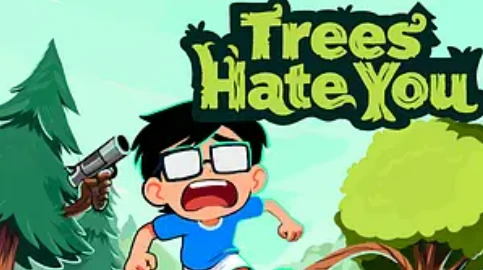
Press Play to load the external game. On a phone, landscape gives the frame more room. The source link remains available if loading stalls.
More games to explore
 Odio el Chocolate
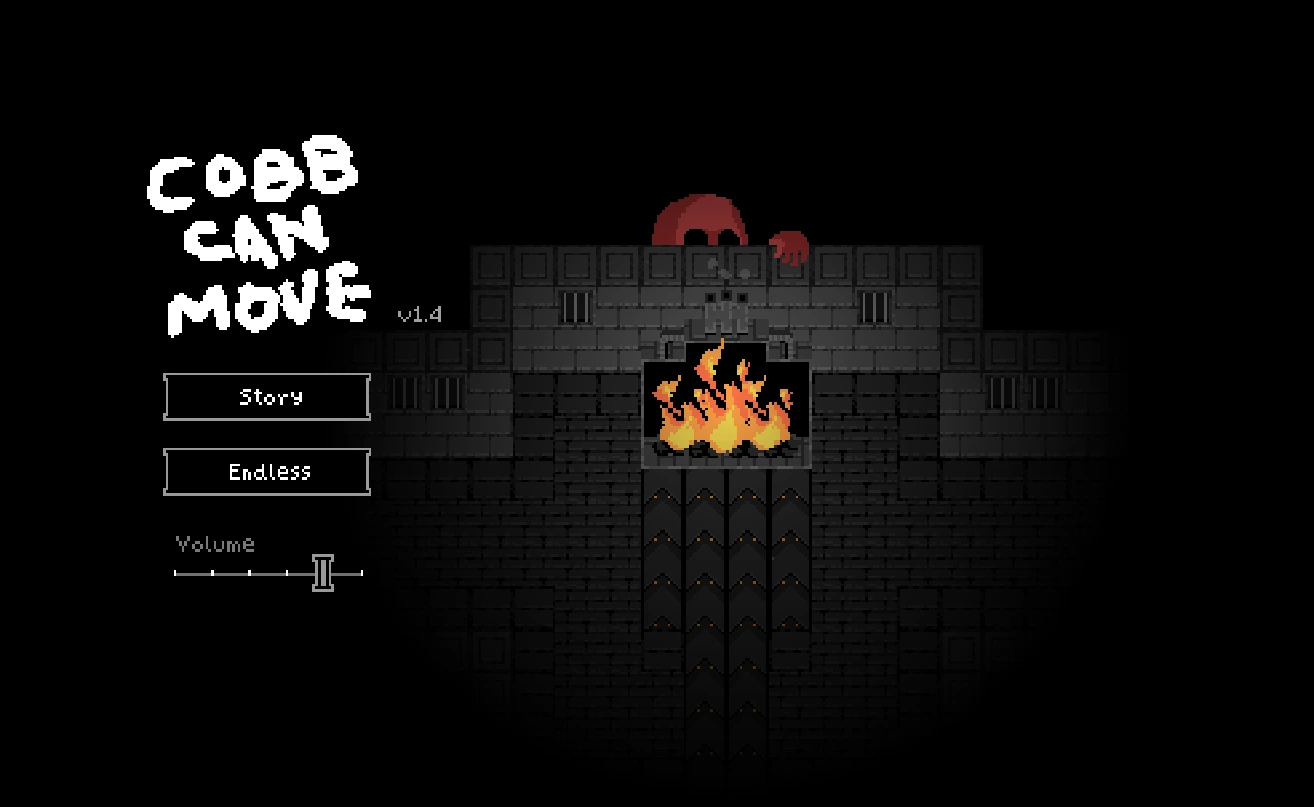 Cobb Can Move
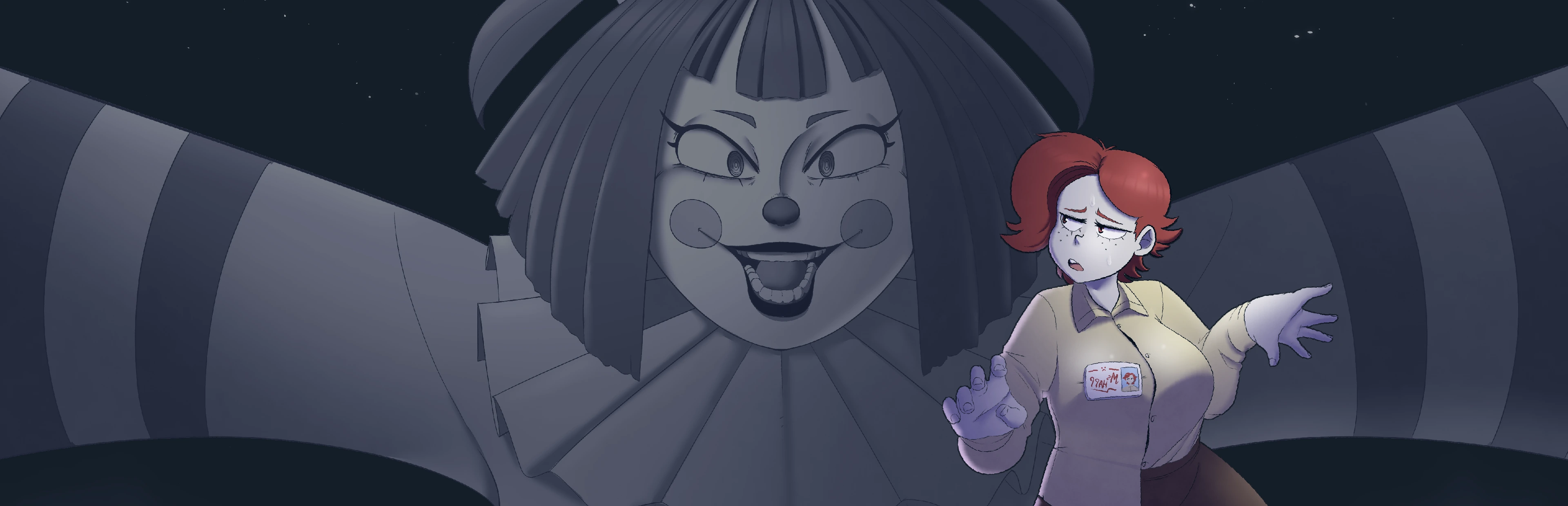 Frankie's Fun House
 You Are Hamster
Prepare your next attempt
Choose the help for your device. These controls explain the setup; they do not send keys into the game.
The current source does not have verified touch gameplay. Use this phone-friendly guide, or switch to a computer for the game. Fullscreen and installing the website do not create a joystick.
0/4 preparation steps checked for Trees Hate You. This visit only; not a game save.
The walk home is the joke
Trees Hate You starts from an ordinary goal: leave the woods after a picnic. The forest makes that goal much less ordinary. Its bright scenery and readable paths encourage a confident first impression, then its traps turn that confidence into the setup for a joke. The appeal is the combination of movement, surprise and a quick desire to try again.
For an Odio el Chocolate player, this is a change from school horror without losing the feeling that familiar surroundings cannot quite be trusted. The forest is not a neutral backdrop. You are learning how the game directs attention and how your expectations can lead you into trouble. A failed attempt is often part of understanding the gag rather than proof that you missed a complicated combat system.
The author describes the available browser release as a demo of a larger project. Treat this frame as the hosted browser demo, not as a promise of the complete Steam game. Different demos and releases may contain different details. When a video shows an unfamiliar section, compare versions before assuming you have failed to discover a hidden route.
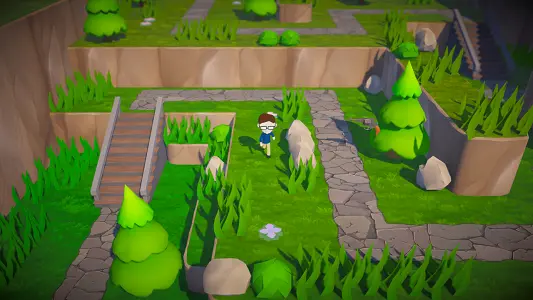
Check movement before chasing progress
The author lists WASD, arrow keys and a controller's left stick as movement options. Choose one method for the first attempt rather than switching constantly. Make a short movement, release the input and watch the character settle. The purpose is to understand the relationship between your input and the visible movement before a trap makes that relationship urgent.
Click inside the frame if a keyboard input moves the web page instead of the character. A missing focus state is a browser issue, not necessarily a forest trick. Release held keys before clicking around the page. You will get a clearer result from one controlled test than from holding several directions while waiting for something to happen.
Avoid inventing extra actions because another game uses them. We do not advertise jump, attack or interaction keys as confirmed requirements here. Follow the instructions of the particular demo you loaded. The controls card is a practical starting point, while the live game's instructions remain the authority when a version changes its interface.
Separate what you saw from what you expected
A path can look safe because it resembles a path you have already crossed. That resemblance is an expectation, not evidence that the same outcome will follow. When the forest surprises you, notice which detail invited your first choice. Was it a clear opening, an obvious destination or a piece of scenery that looked unimportant?
This observation does not require stopping at every pixel. Instead, choose moments where the space changes or the next direction seems suspiciously obvious. Briefly identify what you can actually see. Then move with a purpose. The guide does not provide a universal danger radius around trees or a complete map of hidden triggers, because those claims would need version-specific testing.
Use screenshots as visual references for the game's presentation, not as exact navigation diagrams. A still picture cannot establish a trigger's timing or prove that a particular approach is safe. It is better to ask what the scene encourages you to do than to copy the apparent route of a character frozen in a single frame.
Make retries answer a question
After a trap, identify one thing to test differently. You might change your approach direction, the moment you begin moving or how closely you follow an apparent shortcut. Keep the rest of the attempt similar enough that the outcome teaches you something. Repeating an identical action more angrily usually produces less information than changing one deliberate choice.
A useful question is specific: what happened when I crossed this part of the path? A less useful question is whether the entire game is unfair. The second may describe the mood, but it gives you no next action. Treat the retry as a small experiment while remembering that surprise is part of the design and not every joke announces itself in advance.
Do not turn this method into a promise that every failure can be avoided on a first encounter. A comedy trap game may depend on withholding information until you trigger it. Progress comes from recognizing the lesson afterward. If you want to preserve the surprise, read only the preparation sections and leave detailed videos until you have tried the scene yourself.
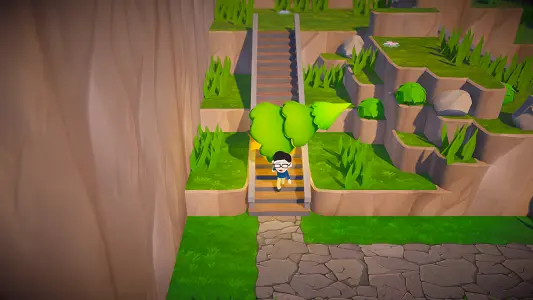
Learn the visible route in small pieces
Break the walk into the stretch you understand and the stretch you are still investigating. When returning through familiar ground, remember what you learned without rushing automatically into the new part. The transition between those two stretches is often where attention slips: your hands continue confidently while your knowledge has already run out.
Describe landmarks using what is visibly on screen rather than a guide's assumed map coordinates. A bend, bridge, change in height or open patch can help you recognize where your last observation occurred. This is a memory technique, not a claim that the environment is identical in every version of the demo or that every listed landmark is a checkpoint.
Do not assume a restart has preserved progress unless the game shows that it has. The page's restart action reloads the frame after confirmation. It cannot create a save slot or choose a checkpoint for you. Before using it, distinguish a character's ordinary retry inside the game from a full browser-level reload that may reset more of the session.
Keep the humor without exhausting yourself
Fast repeated failures can make you stop noticing the very details that would help. When you begin moving immediately after every retry without looking, pause your own attempt if the game permits it or take a break at a suitable point. Coming back with a clear question often works better than trying to force progress through frustration.
Keep sound at a comfortable level. Sudden audio and visual changes are part of the presentation, but there is no benefit in making them physically uncomfortable. If you are watching someone else's recording, remember that their entertaining reaction does not establish how you should feel or how quickly you should finish the same section.
Set a modest session goal, such as understanding one obstacle. That keeps the short-run format useful even if you do not reach the end. The preparation checklist can help you start cleanly, but it is not an achievement system. It does not count traps, track the game's internal progression or compare your performance with other players.
Browser performance and the demo
The author explicitly notes that some players encounter low frame rates in the web version and suggests comparing another browser or a downloadable edition. That makes performance a real consideration when judging a difficult movement. A visible stutter and a well-timed trap can feel similar, so observe whether the whole scene is struggling or only your route is failing.
If the scene is consistently slow, avoid repeatedly loading several copies of it. Use one tab and compare a different browser only when you can describe the original behavior. A smaller view may help some setups, but this page does not claim to have rewritten the demo's renderer or fixed all device-specific frame-rate problems.
Our game frame remains proportional as the surrounding page changes size. That is a layout choice, not a measured performance improvement inside Unity. We keep the heavy game behind a Play button so reading the guide does not immediately start its download. Once launched, the actual resource loading and engine behavior belong to the hosted game.
Phone layout and actual input
On a phone, this guide uses a single column, readable images and large page controls. Landscape orientation can give the game more usable width. The fullscreen action has a fallback because some mobile browsers do not expose the same fullscreen behavior as desktop browsers. The direct-source link is another way to compare presentation without changing the game itself.
The current hosted entry has not been verified with a touch movement layer. The author's listed controls are keyboard and controller. A responsive canvas alone does not mean that dragging a finger will move the character, and installing the website does not create a joystick. We show this limitation before you spend time loading the game.
If you already have a compatible keyboard or controller, you can check whether your phone and browser recognize it, but support is not guaranteed. For reliable access to the listed controls, use a desktop setup. We do not recommend downloading an unrelated file advertised as a mobile version simply to get around a missing input method.
Recover from a blank or unresponsive frame
First distinguish loading from gameplay. Wait for a recognizable menu or playable scene rather than repeatedly pressing Play. The surrounding page can finish loading before Unity does. The page cannot inspect every error inside a separately hosted frame, so the absence of an error message here is not proof that the engine has started correctly.
If nothing progresses, open the same source through the external-link icon. Compare whether it starts in its own tab. If both attempts fail, note the last visible screen and your browser version before trying again. Avoid changing several device settings at once; you want to know which change, if any, made a difference.
A useful report says whether the game showed a menu, whether the character moved and whether the problem was a crash, black screen or slow animation. Include the hosted address because the author's newer demo may behave differently. This information helps separate an input limitation from a loading failure without pretending that every issue has the same solution.
A good place to stop, and what to try next
Finish a session when you can explain what you learned, even if the forest still has another joke waiting. Remember the obstacle rather than only the frustration. When returning later, begin with a short movement check and look at the current instructions again. This keeps a browser or version change from becoming an invisible source of confusion.
If you enjoy learning under pressure, Cobb Can Move offers a darker interpretation through changing survival rules. If the forest's strange setting interests you more than quick retries, Frankie’s Fun House shifts the focus toward inspecting objects and understanding rooms. Odio el Chocolate remains available in the shared collection when you want to return to the school.
Each guide is separate because the games solve input, saving and progression differently. A feature available in one is not a promise for the others. Use this page for its demo-specific movement advice and spoiler-light learning method, then follow the next game's own instructions rather than carrying every assumption across with you.
Questions before your next run
Is this the full game?
This page links a hosted browser demo. The author distinguishes the demo from the larger project.
What controls does the author list?
WASD or arrow keys on a keyboard, or the left stick of a controller.
Can I move with touch?
Touch movement has not been verified in this hosted entry. A phone-sized page does not add a joystick.
Is a trap a browser error?
Not necessarily. Compare a normal defeat with a frozen scene, black screen or unresponsive input.
Why does the game run slowly?
The author acknowledges web performance reports. Compare another browser or the author’s downloadable edition; there is no universal fix here.
Does restarting preserve my progress?
The page reloads the frame after confirmation. It does not promise a checkpoint or save.
Can I read without loading the game?
Yes. Game resources begin loading only when you press Play.
Are the screenshots a walkthrough?
No. They illustrate the forest and presentation, not exact trap triggers or a guaranteed route.
Guide prepared October 31, 2026. Independent editorial guidance; phone layout and game input are separate compatibility checks. Game reference ↗