
•••DIAGRAM
ODIO EL CHOCOLATE · FOR THE CURIOUS
How to play.
Learn how to launch Odio el Chocolate, focus the game and leave fullscreen with a visual starter guide and help finding the controls.
•••DIAGRAM
•••DIAGRAM
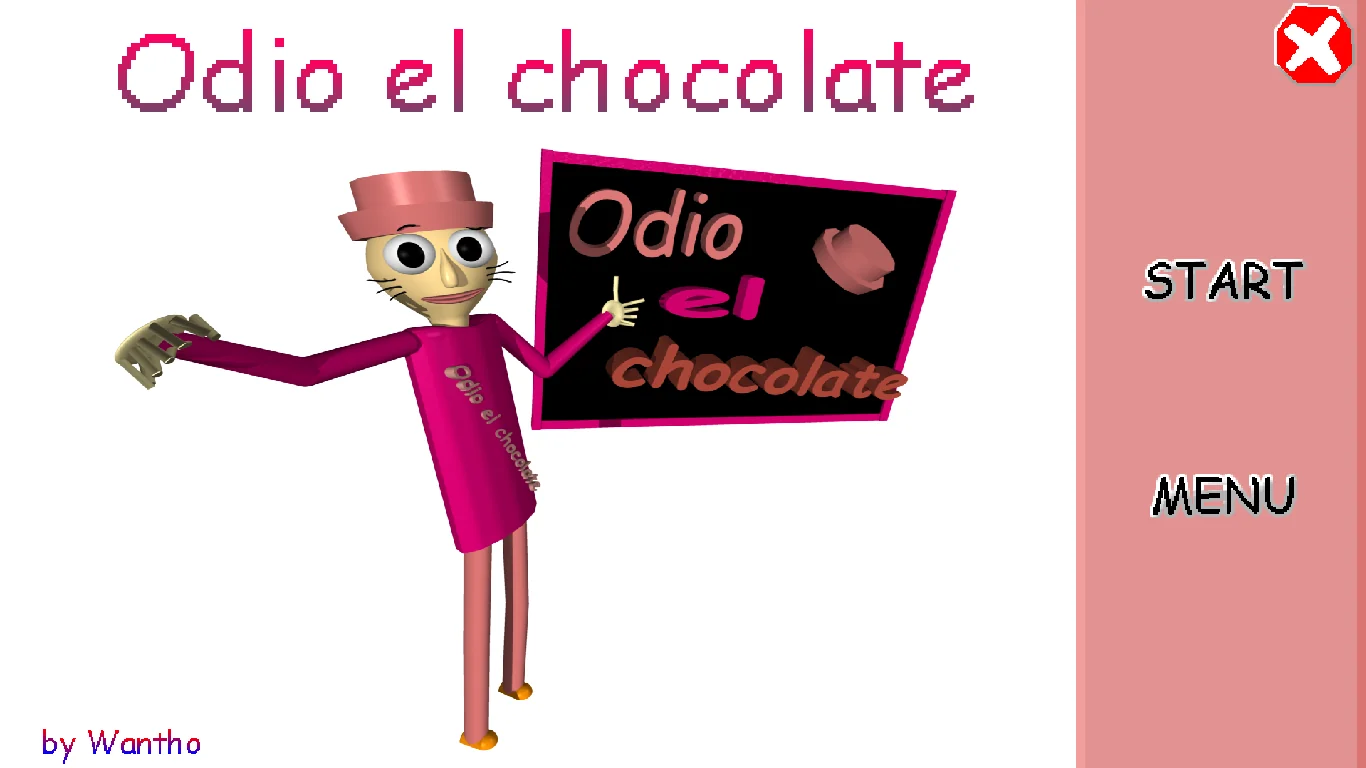
CONTROL STARTS HERE
First, check the menu.
W A S D
Movement according to the browser host; check your edition’s configuration.
Use the mouse to look and interact as supported by the game. We do not add touch buttons that cannot actually control it.
Esc
Release browser pointer lock; you may need to press it again to leave fullscreen.
These instructions are not a play-test of every control. Check the game menu for sprinting, items and pause.
Read the browser sourceQUICK REFERENCE
Controls without guessing keys
This is the scheme published by the browser host. We do not add E, Q, the mouse wheel or Space as confirmed shortcuts: working in another Baldi mod does not establish that they work here. Check your edition’s menu if a key does not respond.
W A S D
Move
Try short steps before entering a long corridor.
Mouse
Turn the camera
Click inside to restore focus after returning from the guide.
Left click
Open doors / collect chocolates
Move closer, aim at the object and check the on-screen result.
Left Shift
Sprint
Watch the stamina bar; practice walking as well.
Right click
Use the selected item
Check the active slot before spending an item.
1 / 2 / 3
Select an inventory slot
Confirm the selection changed before right-clicking.
Esc
Pause / release the pointer
The browser may consume the first press to exit pointer lock or fullscreen.
Reviewed October 25, 2026: menus and images published by Wantho; controls described by the browser host. Practice recommendations are our editorial guidance, not a speedrun route or a play-through verified by us. Wantho ↗ · Browser source ↗
THREE THINGS TO WATCH
Read the HUD before you run
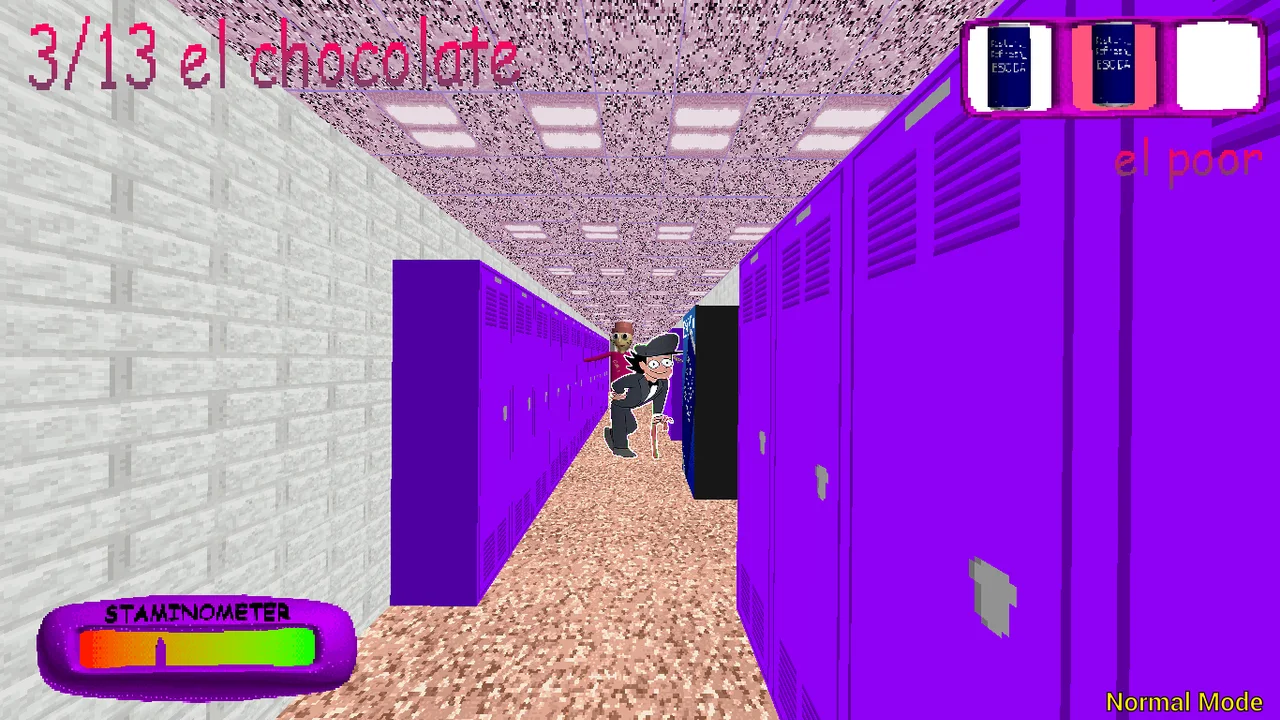
Top left: objective
The fraction shows that run’s progress. Check whether its denominator is 3, 13 or another value before using a guide. A 3/13 image does not reveal the locations of the remaining ten chocolates.
Top right: inventory
Screenshots show three slots and a selected-item label. “el poor” also appears: we do not interpret it as currency or invent a shop. Choose a slot and check its label before using it.
Bottom area: stamina
The bar helps you manage movement; it is not a victory timer. Alternate movement and observation while practicing. We do not publish a recharge time or consumption formula without measurements.
A DECISION-BASED GUIDE
From the first doorway to the exit attempt
This staged walkthrough organizes your decisions. It does not claim that the map or objects always appear in the same places. If the run changes, keep the method and adapt your route to what you see.
1 · Calibrate your first attempt
The menu recommends Low Cortisol for newcomers. Spend the opening moments walking, turning and opening a door. If camera control feels difficult, adjust the settings offered by the game before turning practice into a long search. There is no universal sensitivity that suits everyone.
2 · Complete each room’s loop
Note your entrance, inspect the room and check the counter after attempting a pickup. Then orient yourself toward the doorway again. If you find nothing, decide whether the room is checked or needs another visit; avoid turning a half-finished inspection into repeated identical visits.
3 · Decide before turning
At a junction, choose your next area and remember the previous one. If you lose orientation, return to a known landmark rather than chaining random turns. During an encounter, avoid reading this guide while holding a movement key: pause or release the pointer first.
4 · Count, then follow the exit objective
In Main, reaching 13 is part of the objective, but the menu also asks you to get out. Check what changes on screen and follow your run’s instructions. Do not restart just because our manual checklist is full: it cannot detect completion or activate doors.
CHANGE ONE THING AT A TIME
When a run gets stuck
I click, but nothing is collected
Restore focus inside the game. Move a little closer and put the target in front of you; try left-clicking again. Watch for the number to increase. Do not refresh the page as your first fix: you may lose the run already in progress.
I keep revisiting the same corridor
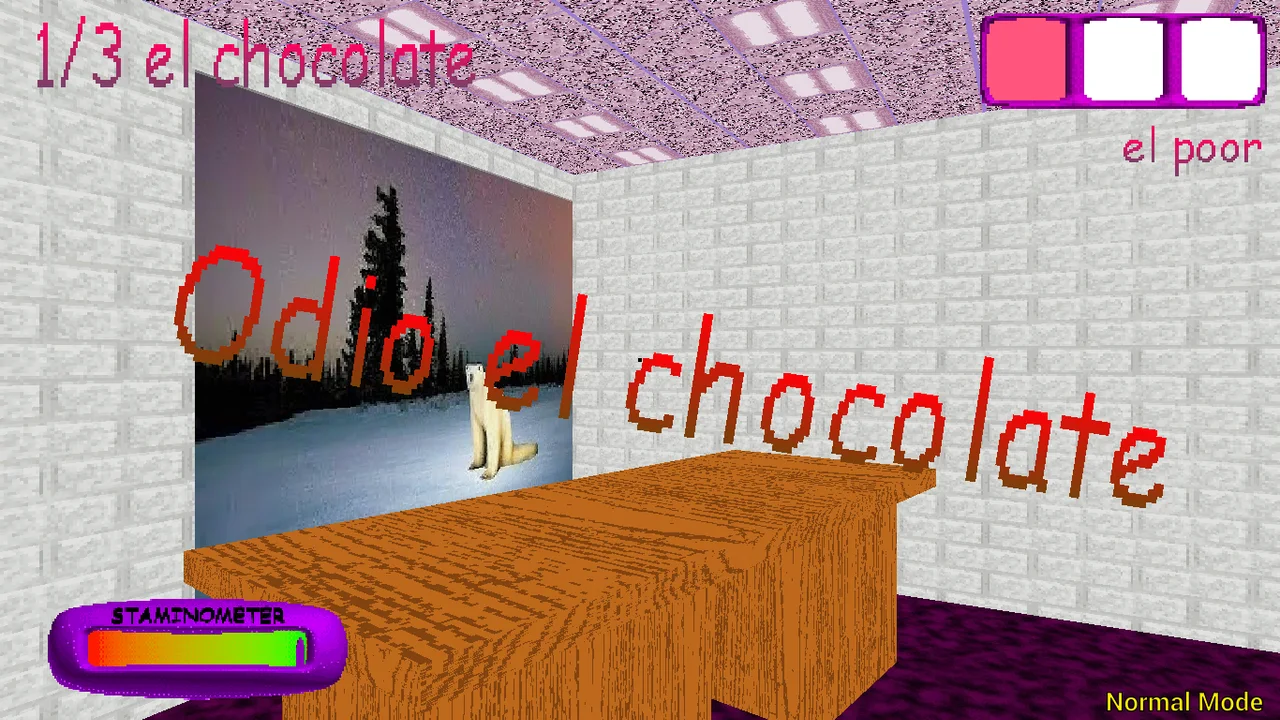
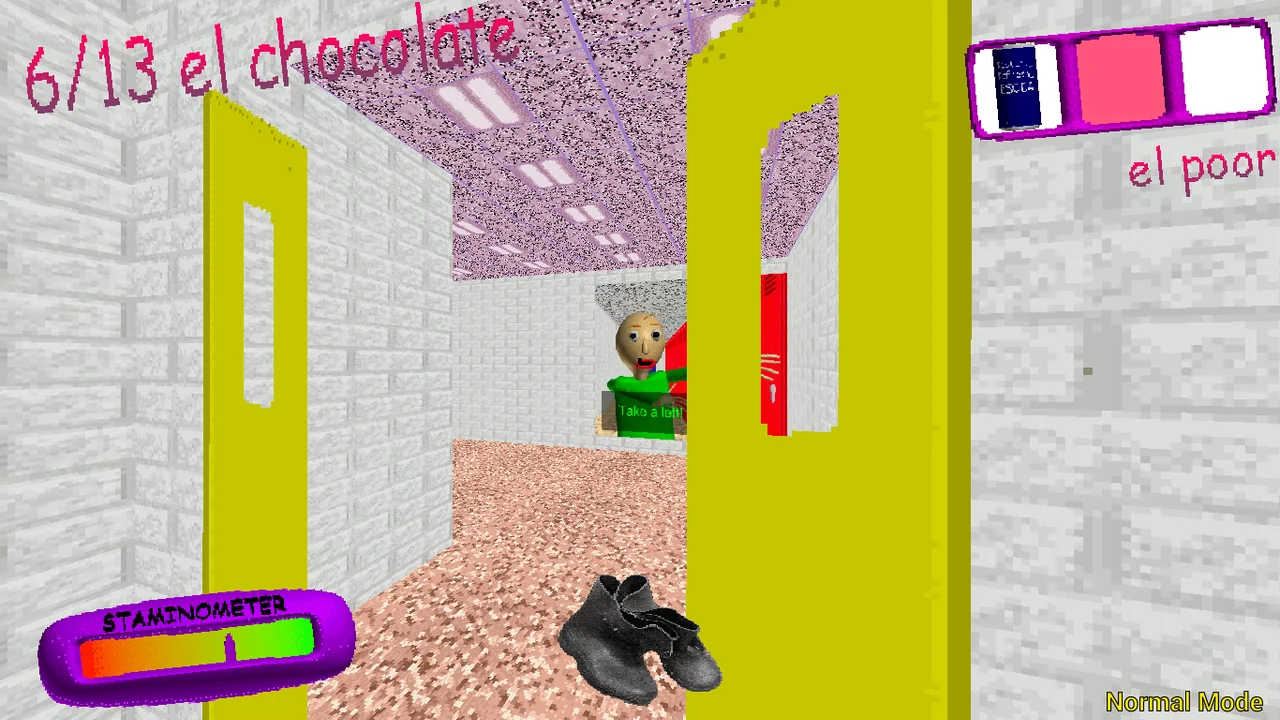
Use a stable reference—a door color, a row of lockers or a junction—and distinguish “checked” from “walked through.” Screenshot scenery illustrates the idea but does not establish a compulsory room order.
I use an item by accident
Separate selection from use: first 1–3, then check the label, then right-click. A screenshot showing “el Soda” establishes a selected label, not its effect duration. Practice the controls before relying on an item to escape an encounter.
A video shows a different result
Compare platform, mode name and visible target. An Android run, PC run and browser conversion are not interchangeable just because they share a title. Use videos as context; do not transfer a shortcut, bug or item position without checking your edition.
PRACTICE BEFORE PACE
Ready for a longer search?
Tick what you have practiced. This is a self-check for this visit, not a game check or saved achievement.
0/4 · Practice whichever actions still take your attention.
A LITTLE HELP
Good questions.
01Is this the official website?
No. This is an independent fan site. The original Windows and Android releases are on Wantho’s itch.io profile.
02Will it work on my phone?
The website adapts to mobile screens, but game touch controls have not been verified. The Android edition is a separate download and the author warns of issues on some devices.
03Why is loading taking a while?
The game downloads external resources when started. A slow network, limited memory or browser restrictions can stop loading. Try the direct link or check the original downloads.
04How many chocolates do I collect?
Images show counters of 3 and 13. Targets can change by stage; reaching 3/3 does not establish completion. Follow your edition’s counter and exit instructions. This site’s checklist is manual and adjustable.
05Can I play offline after installing the site?
No. Installation creates a shortcut and allows website content to be cached; the external game and videos still require Internet.