PLAY · OBSERVE · TRY AGAIN
Cobb Can Move
Play Cobb Can Move in your browser with a rule-reading survival guide, illustrated preparation steps and clear desktop and mobile control advice.
Keyboard / controller required by the source. This page fits phones, but touch gameplay is not verified for this hosted edition.
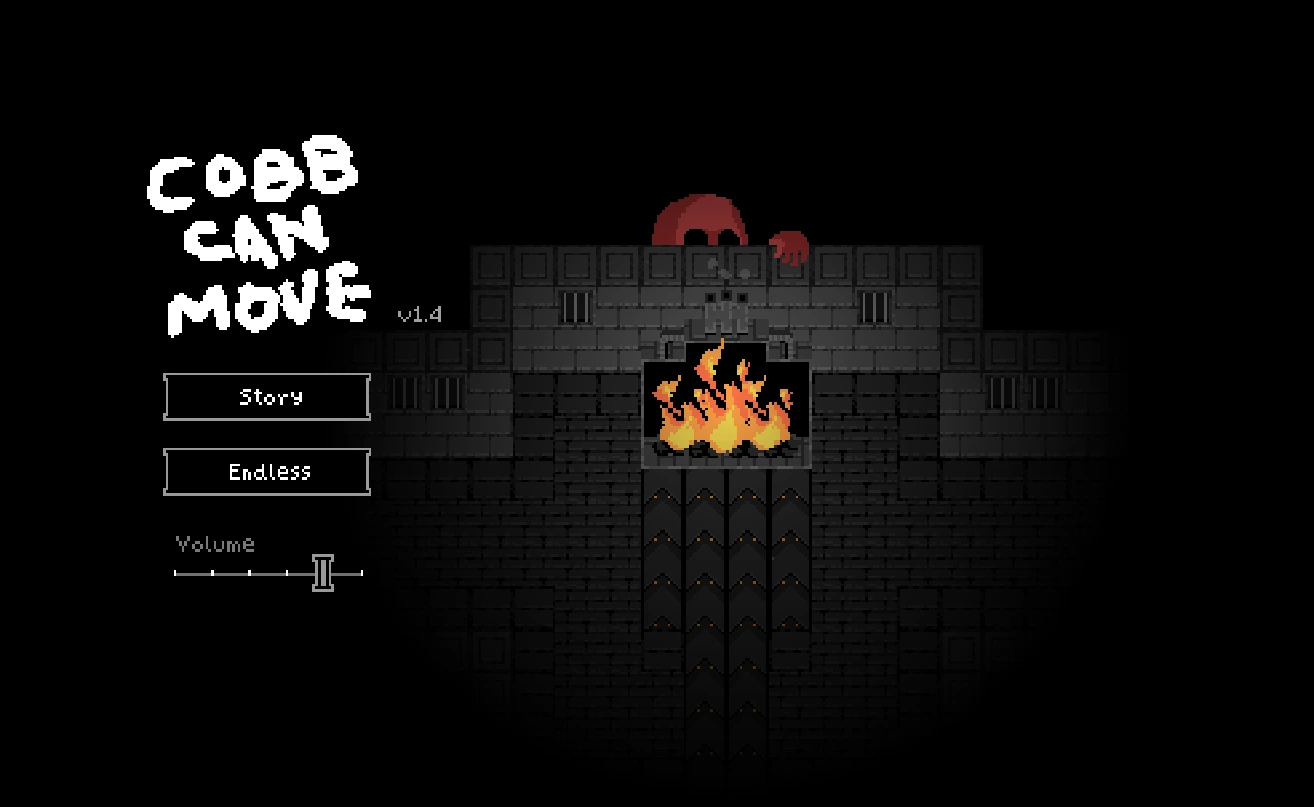
Press Play to load the external game. On a phone, landscape gives the frame more room. The source link remains available if loading stalls.
More games to explore
 Odio el Chocolate
 Trees Hate You
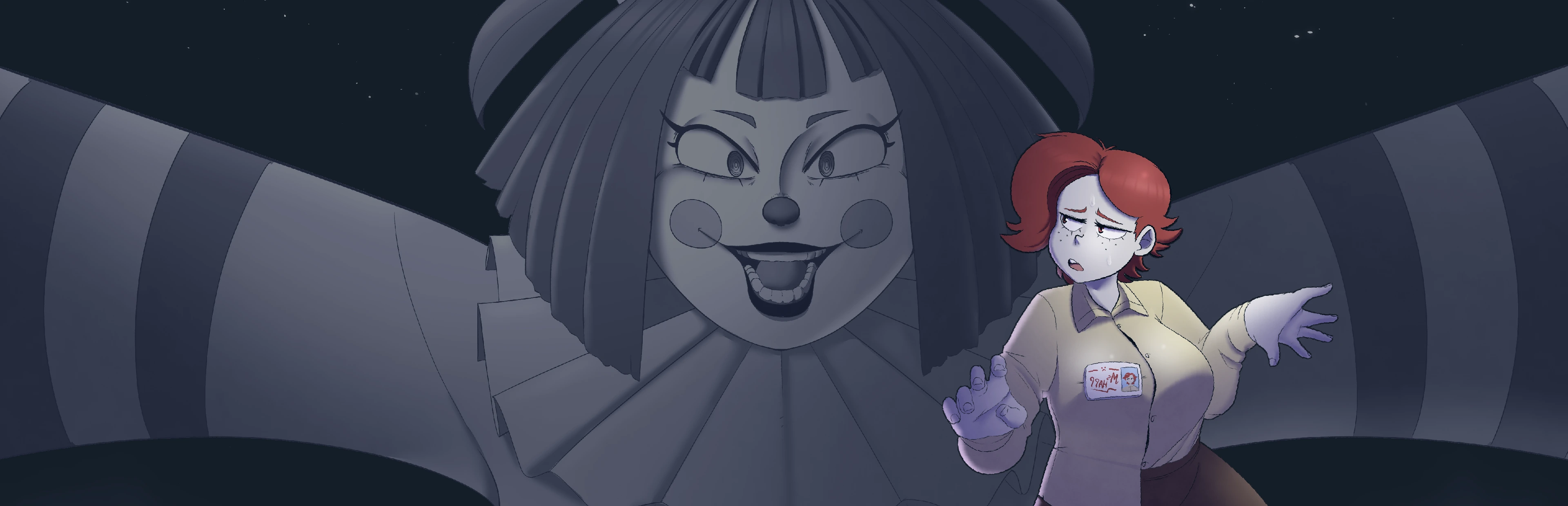 Frankie's Fun House
 You Are Hamster
Prepare your next attempt
Choose the help for your device. These controls explain the setup; they do not send keys into the game.
The current source does not have verified touch gameplay. Use this phone-friendly guide, or switch to a computer for the game. Fullscreen and installing the website do not create a joystick.
0/4 preparation steps checked for Cobb Can Move. This visit only; not a game save.
A different kind of school-break nightmare
Cobb Can Move is a compact survival horror game built around changing rules. Its small scale does not make it a relaxed walk. The useful question is not simply where the danger stands, but which actions the current situation makes dangerous. That gives it a natural place beside Odio el Chocolate: both reward paying attention before committing to a route, although their controls, presentation and objectives are separate.
This page is designed around a first attempt rather than a promised perfect route. Start the game above, read its own instructions and use the guide when something becomes unclear. The suggestions here are a way to organize observation, not a claim that a single path defeats every encounter. A short unsuccessful run can still teach you something if you can identify the decision that preceded it.
The original release credits abho and Vystel and offers browser and Windows editions. Our frame opens the existing browser host. It does not install a Windows executable or convert the game into an Android application. Use the source link when you need the author's release information rather than assuming that every rehost contains exactly the same version.
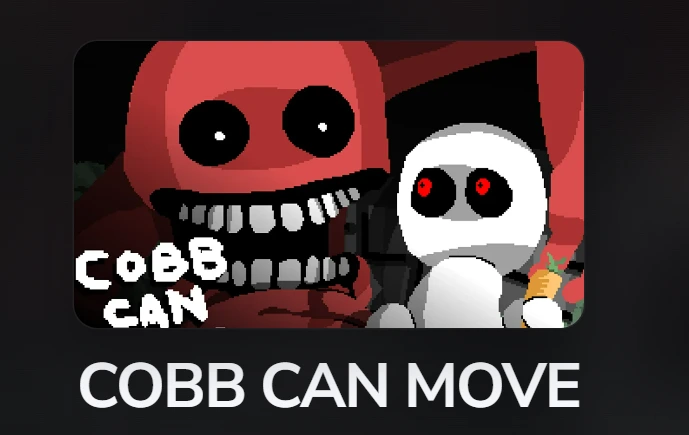
Read the instruction before the room
A changing-rule game can punish a habit that was useful a moment earlier. Give each new instruction its own moment of attention. Identify what has changed, what remains possible and what you need to observe next. Treat that as a fresh situation instead of trying to complete the next room using muscle memory from the previous one.
Before moving, summarize the instruction in a sentence you understand. If you cannot explain it, read it again while you are still at an instruction screen. This is more useful than memorizing a long guide that might describe another version. Do not assume that a familiar enemy appearance means its behavior is unchanged, or that a previous success has made the following encounter safe.
Use the preparation checklist below to separate reading from execution. Checking an item does not communicate with the game, unlock a stage or save your progress. It simply records what you have verified during this visit. When the rule changes again, reconsider the checklist instead of treating a completed list as permanent protection.
Make the first movement deliberate
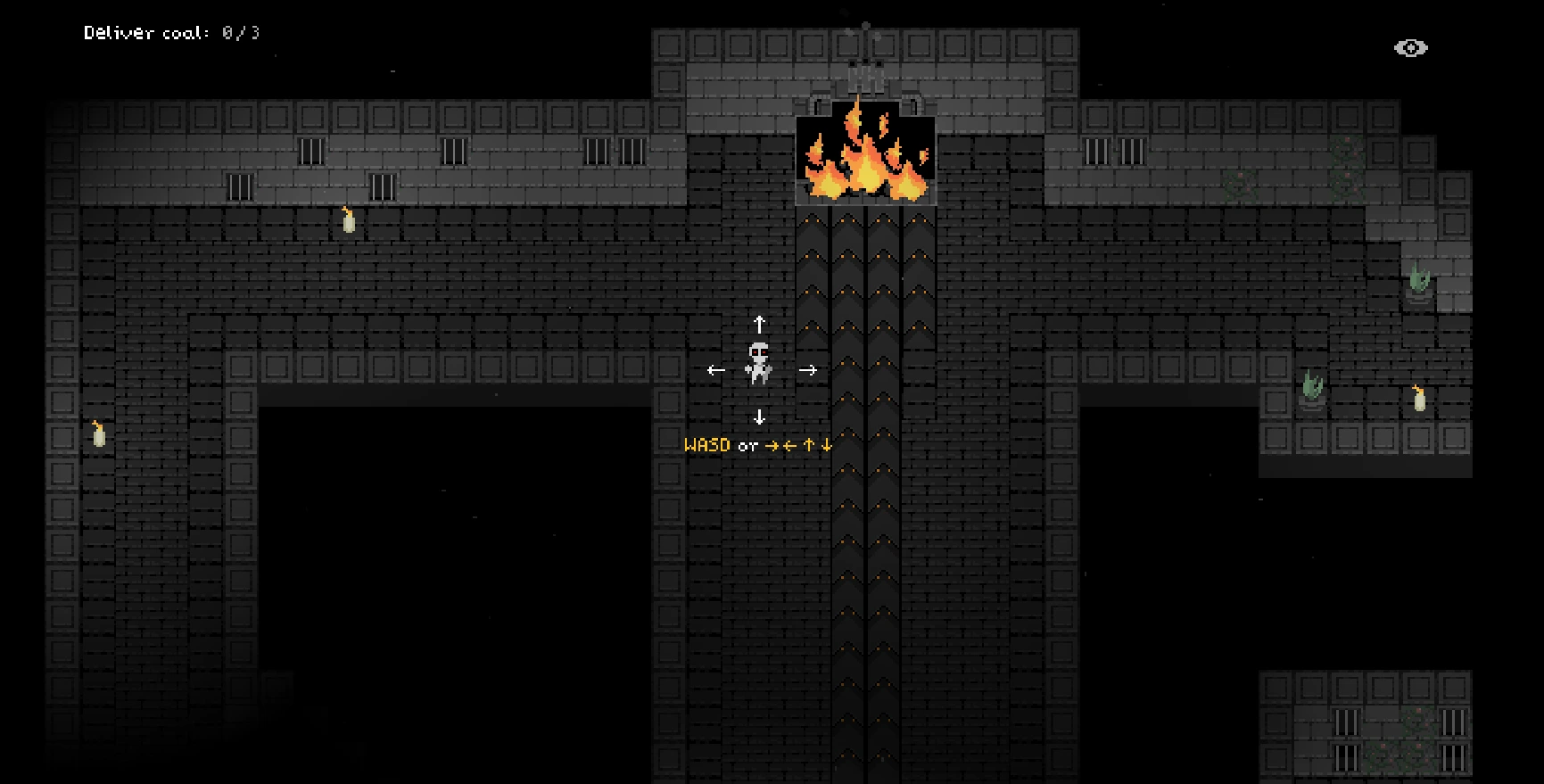
Begin with a small movement in a direction that is easy to recognize. Watch how far the character travels while you hold an input and what happens when you release it. A brief control check prevents you from mistaking lost keyboard focus for a new game rule. Click inside the frame again if keys are affecting the surrounding page.
Keep your first test distinct from a full escape attempt. If several keys are held while you are also clicking outside the game, it becomes difficult to know which input caused the result. Release the keys, restore focus and repeat one movement. This is a troubleshooting method, not a suggestion that the enemy will wait while you experiment.
Once the controls make sense, decide what you are trying to reach before you begin a longer movement. A clear intention makes a mistake easier to diagnose. You can then say that you chose the wrong direction, reacted too late or overlooked an instruction, rather than concluding that the entire room was random.
Watch relationships, not only the character
The player character naturally attracts your eyes, but concentrating on it alone can hide the information around it. Take in the arrangement of the room, the visible threat and the space you are about to enter. Think in terms of relationships: where you are, what you are approaching and which choice would leave you fewer options.
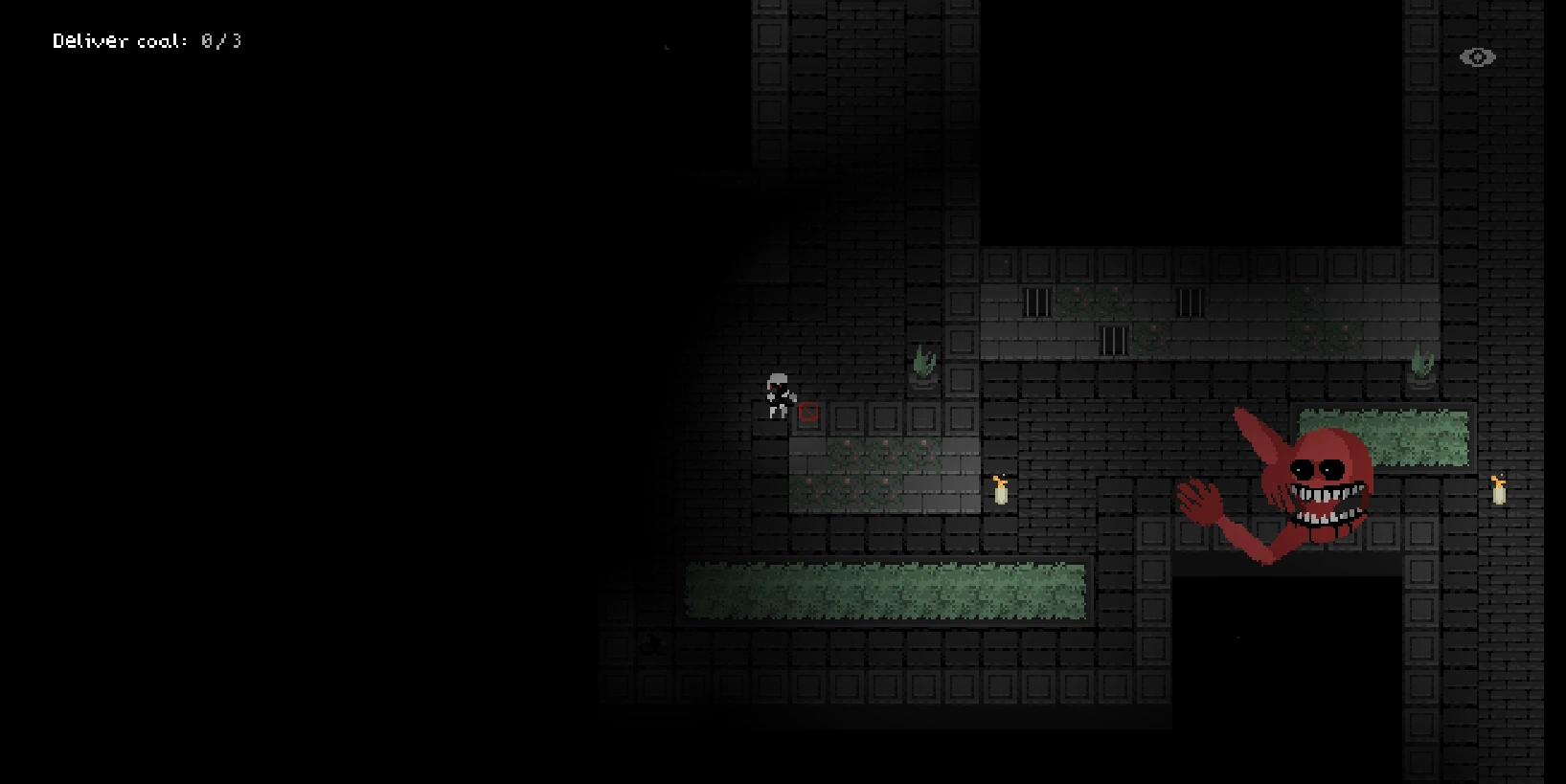
A useful observation habit is to look slightly ahead of movement rather than constantly correcting after entering a difficult position. This does not mean there is a universal safe distance from Cobb. Exact distances, timing windows and detection formulas are not established by the pictures on this page. Use the current game feedback to refine your judgment.
If the image becomes hard to read, use the page's fullscreen action or open the game directly. A larger view can help distinguish small details, but it does not change enemy rules or improve your character's abilities. If fullscreen is unavailable, the game remains accessible in the same proportional frame without needing to restart it.
Turn a failed attempt into a useful note
After a failure, choose one observation to carry forward. It might be the instruction you skipped, the input you held longer than intended or the moment you stopped watching the threat. Avoid changing everything at once. If every part of the next attempt is different, you will have little evidence about which adjustment helped.
Try describing the sequence in three parts: what you believed, what you did and what you saw. For example, you might have believed an older rule still applied, moved immediately and then noticed a new instruction. That is a concrete learning point. It is more actionable than blaming your device without any sign of a technical problem.
Keep game failure separate from browser failure. A visible defeat sequence belongs to the game. A frozen frame, missing input or a page that never finishes loading needs a different investigation. The device-help selector below gives you separate starting points so you do not repeatedly reload a functioning game to solve an ordinary gameplay mistake.
Keep short runs comfortable
The contrast and threatening presentation can become tiring when you repeat a difficult section. Adjust the device's volume before starting and take a break when you stop processing the instructions. Lowering volume for comfort is different from assuming sound has no gameplay relevance. Follow any audio guidance given by the game itself.
Do not use a timer as your only measure of improvement. A slower attempt in which you understand the rule is often a better foundation than a fast attempt that succeeds accidentally. There is no need to match a video's pace on your first session. A reference recording can include practice and editing that are invisible to the viewer.
If you return after a break, reread the current screen. Memory of an earlier room can feel more reliable than it is. Check what is actually visible before making the first movement. Our page does not promise persistent game saves, and the preparation checklist is not a replacement for any save or continuation feature supplied by the game.
Desktop setup and focus
The author's page lists keyboard and gamepad input. On a computer, give the loaded game focus and follow its displayed bindings. If you use a controller, confirm that this particular browser session recognizes it before depending on it during a run. A device being connected to the operating system does not prove that the game has accepted its input.
Avoid pressing refresh as the first response to a missed key. Release held inputs and click inside the frame. If the problem repeats, compare one control at a time. This narrows the cause without needlessly discarding an attempt. Our restart action asks for confirmation because reloading can lose progress that exists only in memory.
Use a single active game tab while diagnosing a problem. Multiple running games can make audio and focus confusing, even when they are unrelated to performance. Close unnecessary activity only if you are comfortable doing so; the point is to create a clear test, not to claim that closing tabs fixes every crash.
What mobile adaptation means here
The surrounding page adapts to a phone: navigation wraps, the game keeps its shape, controls have touch-sized targets and the guide becomes a single readable column. That makes reading and launching convenient. It does not establish native touch support inside a separately hosted game, because the frame has its own input system.
The current Cobb entry has not been verified with a working touch control layer. The author lists keyboard and gamepad rather than touch. We therefore show the control limitation before launch instead of covering the frame with decorative arrows that cannot send input to it. If your phone cannot supply the required controls, use a computer for gameplay and keep this page as a guide.
A connected keyboard or controller may be worth checking if you already have one, but we cannot promise compatibility with every phone and browser combination. Try a harmless movement at the menu's first playable opportunity. If essential movement is unavailable, stop that test rather than repeatedly reinstalling this website or downloading an unrelated APK.
If the frame does not start
Press Play once and allow the remote host to load. The surrounding page being visible does not prove that the game engine is ready. Likewise, an iframe load event only means the frame received a document. It cannot guarantee that the game inside is responsive or that all required files have finished downloading.
If the screen remains blank, use the direct-source button to compare the same host in a separate tab. A difference can point toward an embedding or browser restriction, while failure in both places suggests that the problem is not just the size of our frame. This is a comparison step, not proof of the precise cause.
When asking for help, include your browser, device, the address you opened and the last screen you saw. State whether a menu appeared and whether any movement worked. Do not include passwords or private account information. Those simple observations are more useful than repeatedly reporting that the game does not work without saying where the process stopped.
Choose your next challenge
Stay with Cobb if the changing-rule structure is what interests you. Replay with one clear observation rather than treating repeated attempts as interchangeable. When you want a different kind of pressure, Trees Hate You trades threatening survival rules for a forest that turns expectations into traps. Frankie’s Fun House instead rewards slower investigation and object inspection.
The shared game collection includes the game you are currently reading about, so it also works as a consistent navigation point when you move between guides. Each entry has its own controls and compatibility notes. Do not transfer a touch feature from Odio el Chocolate to Cobb simply because both are available from this website.
Before leaving, decide whether you want to continue the current attempt. Opening another page or restarting the browser is not a reliable way to pause or preserve it. Use any pause or save instruction the actual game provides. Our links and checklists help you organize a session; they do not take control of the game's progress.
Questions before your next run
Is this the original author’s website?
No. This is an independent game page. The source link leads to the author’s itch.io release.
Can I play on a phone?
The page is responsive, but touch gameplay for this hosted Cobb edition is not verified. Keyboard or gamepad is listed by the author.
Does fullscreen add phone controls?
No. Fullscreen enlarges the game; it cannot add an input system.
Why did the same tactic stop working?
The game is built around changing rules. Read the current instruction before repeating an earlier tactic.
Does the checklist save my run?
No. It is a page-only preparation tool and resets when the page is reloaded.
Can I restart?
Use the restart icon and confirm. Reloading may discard the current attempt.
Are all screenshots from my exact version?
They are reference images reused from the existing Cobb project; a hosted update may differ.
What if keys scroll the page?
Release them, click inside the game and test one input again.
Guide prepared October 31, 2026. Independent editorial guidance; phone layout and game input are separate compatibility checks. Game reference ↗