
PLAY · OBSERVE · TRY AGAIN
Dead Plate
Play Dead Plate in your browser and plan your first bistro shift with real interface screenshots, spoiler-light service advice and a checklist.
Keyboard / controller required by the source. This page fits phones, but touch gameplay is not verified for this hosted edition.
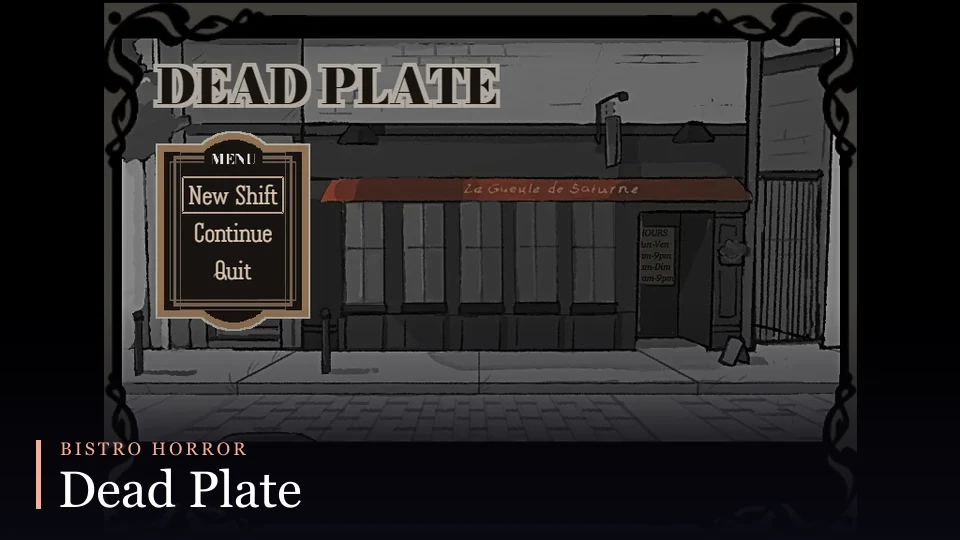
Press Play to load the external game. On a phone, landscape gives the frame more room. The source link remains available if loading stalls.
More games to explore
 Odio el ChocolateReturn to the school
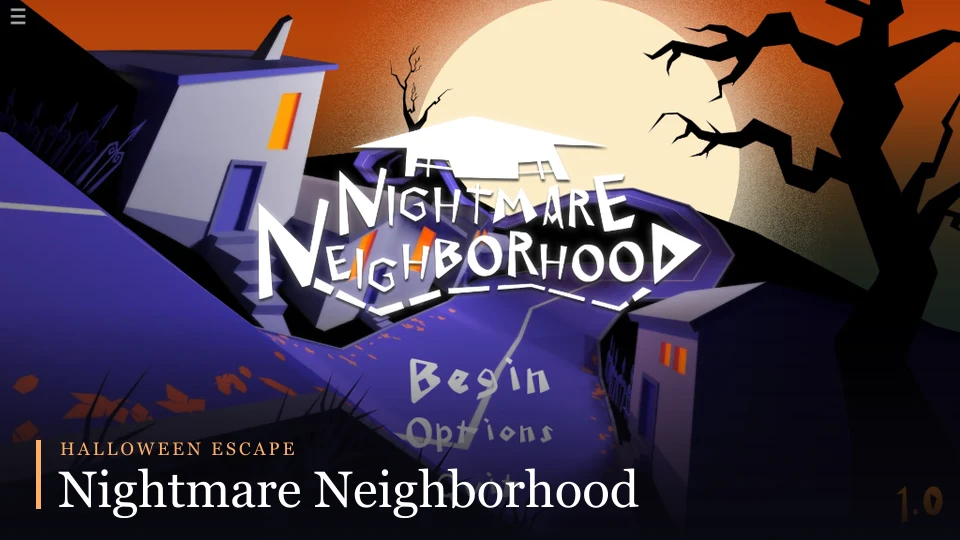 Nightmare NeighborhoodCandy, costumes and a Halloween escapeDead PlateBusy bistro service and slow-burn horror
 Suzy SaysRule-following survival horror
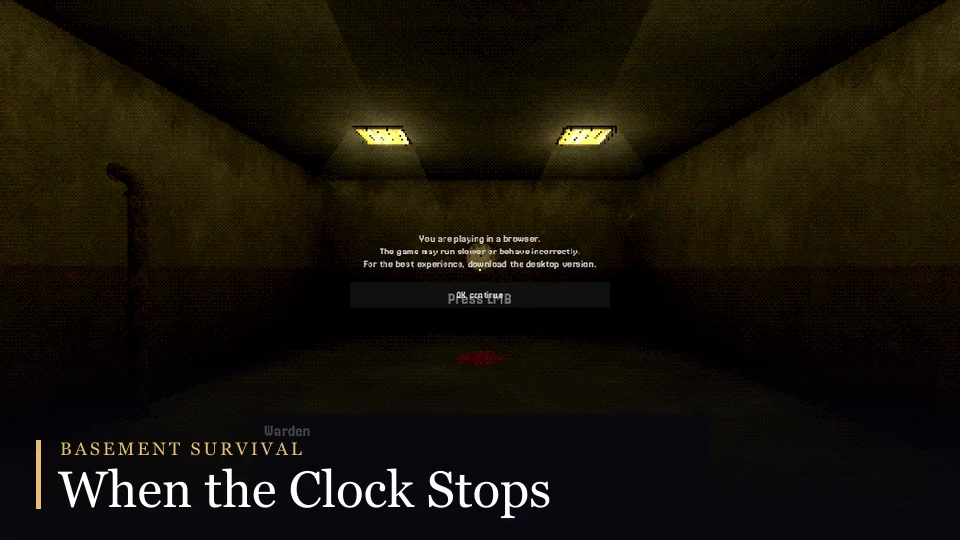 When the Clock StopsBasement survival
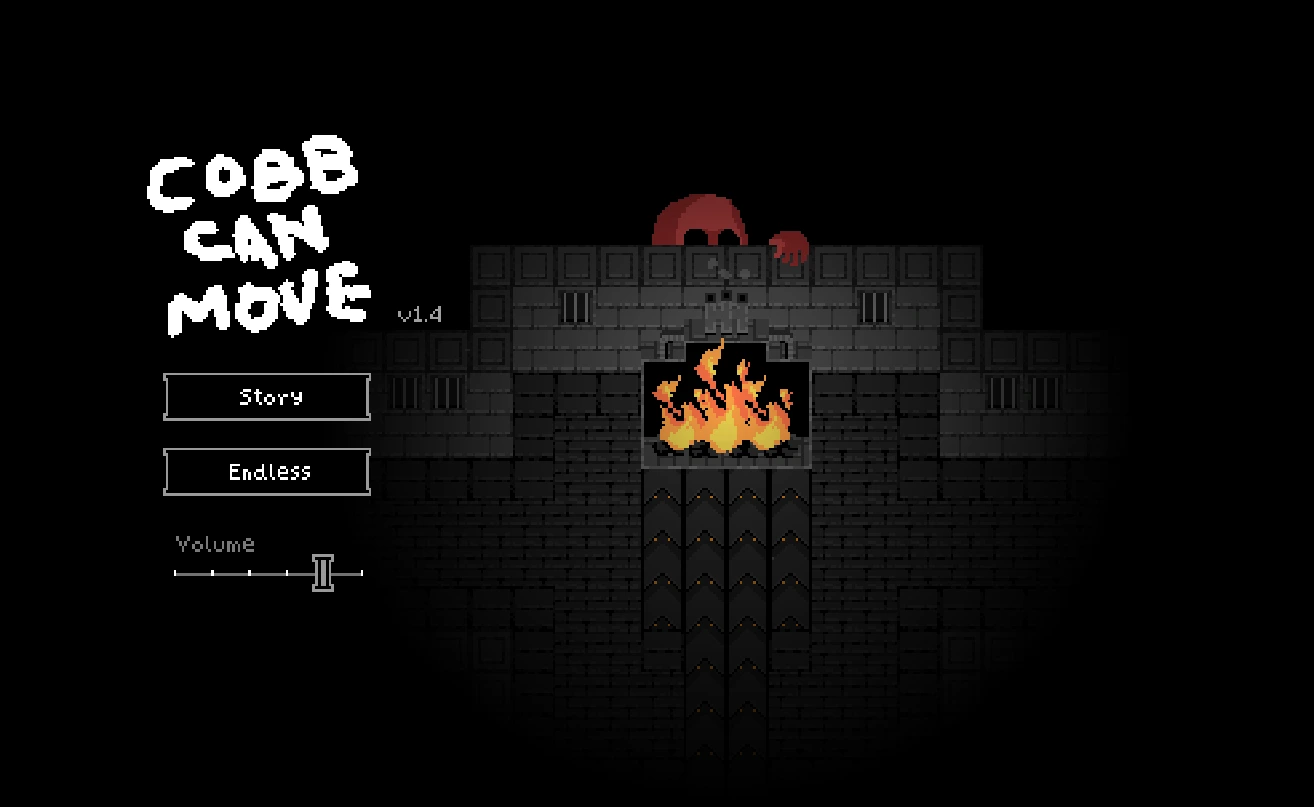 Cobb Can MoveChanging-rule survival horror
 Trees Hate YouForest traps and quick retries
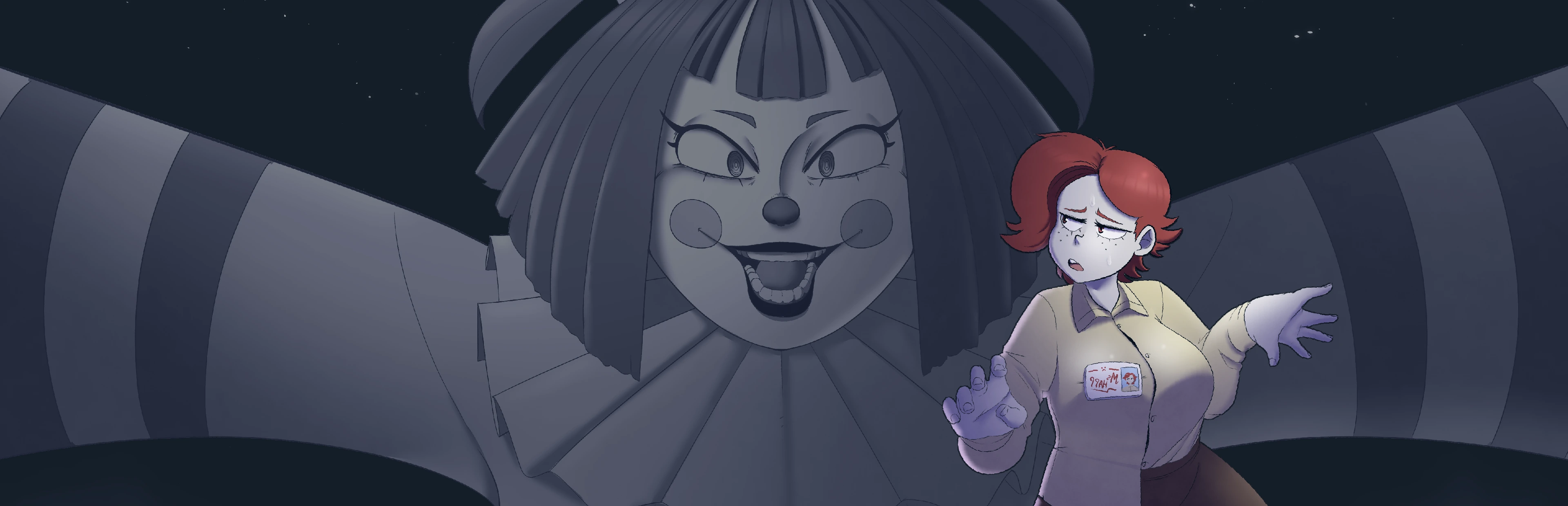 Frankie's Fun HouseObservation and object puzzles
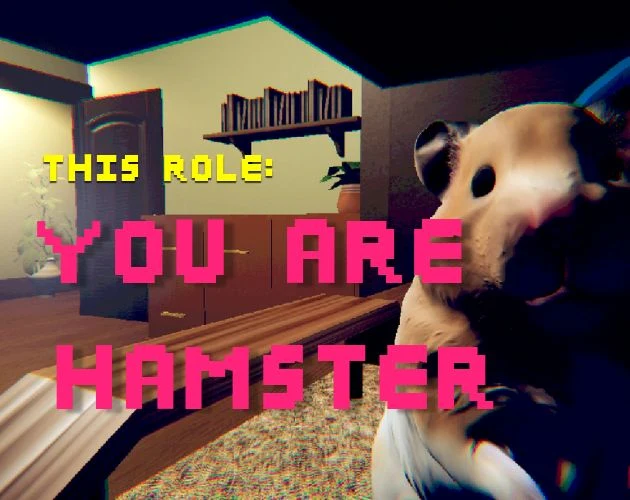 You Are HamsterShort horror comedy
Prepare your next attempt
Choose the help for your device. These controls explain the setup; they do not send keys into the game.
The current source does not have verified touch gameplay. Use this phone-friendly guide, or switch to a computer for the game. Fullscreen and installing the website do not create a joystick.
0/4 preparation steps checked for Dead Plate. This visit only; not a game save.
What happens during a shift?
Dead Plate sets its horror inside a bistro where the playable work and the story ask for different kinds of attention. You follow Rody as he serves the dining room, then spend time with the relationships around the restaurant and its chef, Vincent. The contrast matters. A table asks for practical action; a conversation may ask you to notice a hesitation or an uneven exchange. You can enjoy both without knowing the endings in advance.
If you are coming from Odio el Chocolate, the shared idea is not collecting the same objects. It is choosing where to go while a place that looked ordinary becomes less comfortable. The school game gives you corridors and chocolates; this game puts pressure on your decisions through the work of a dining room. Think of a shift as several small service problems, not as a single frantic sprint from one side of the screen to another.
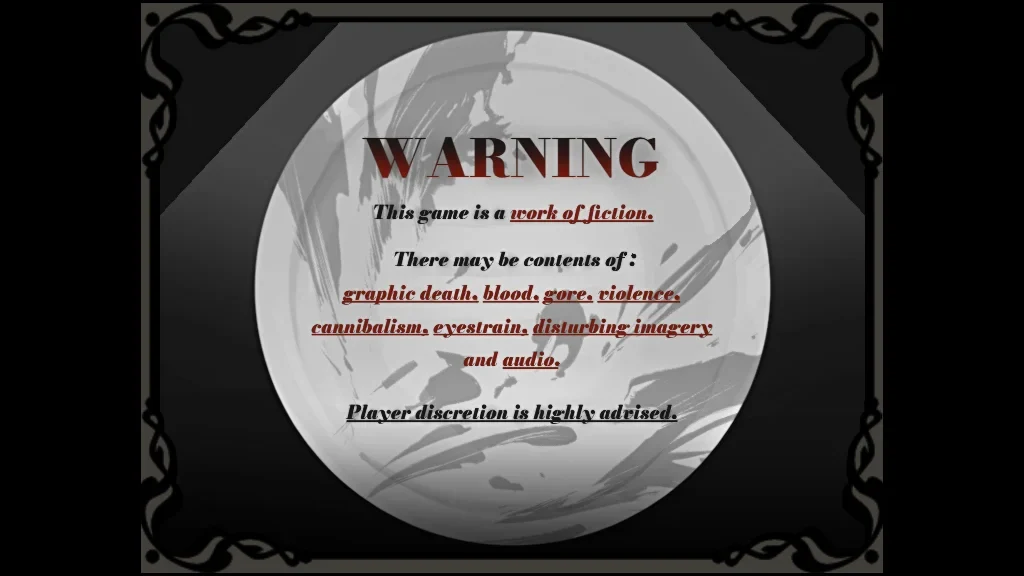
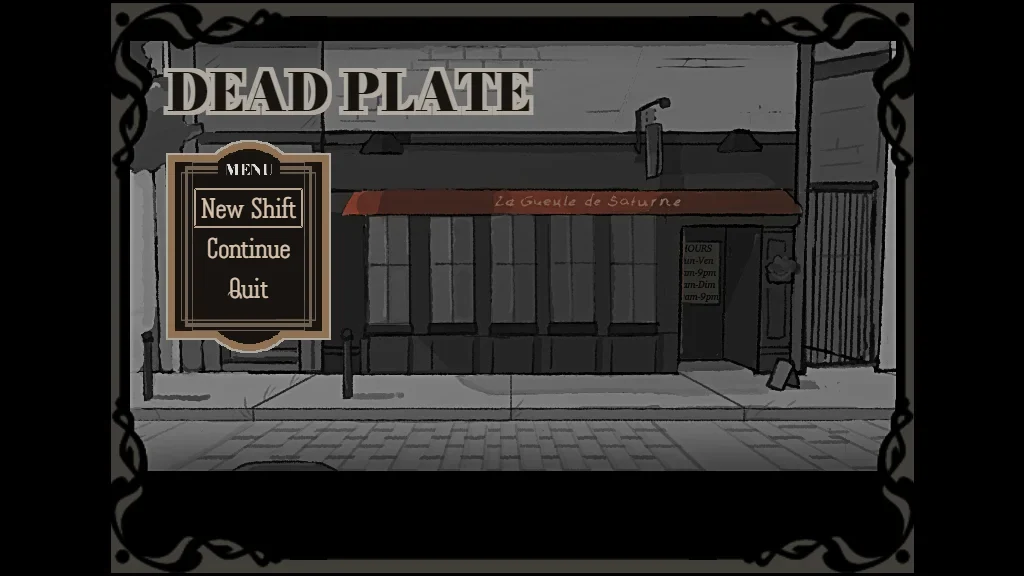
Read the warning before opening a new shift. The game explicitly alerts players to graphic death, blood, gore, violence, cannibalism, visual strain and disturbing imagery or audio. The guide uses opening interface pictures rather than depicting the disturbing scenes. You can read the whole guide without launching the player, and it does not reveal the story's endings. Decide whether to continue before the game changes scenes instead of assuming that the grayscale storefront reflects the tone of everything that follows.
Learn the interface without spending the first shift guessing
The title screen gives you a starting point. New Shift begins a fresh playthrough; do not choose it as a substitute for continuing if you are looking for an earlier session. Follow the available options in your own copy rather than relying on a position shown in a still image. Menus can move when the browser resizes or when an edition displays the application at a different scale.
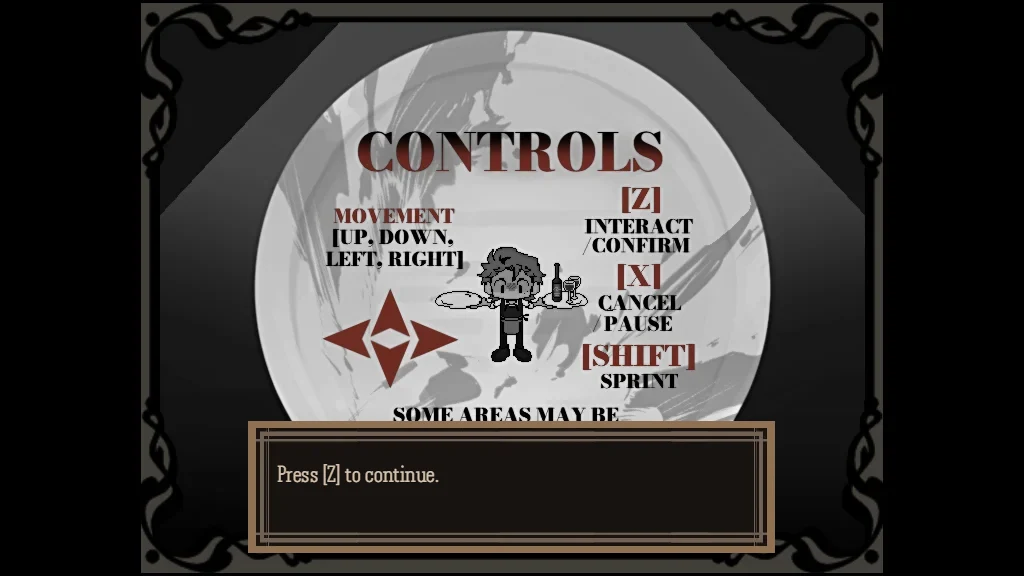
The opening controls screen separates movement, interaction, cancelling or opening the menu, and sprinting. Pause long enough to read it. Knowing how to cancel an action is useful even if you expect to spend most of the shift moving quickly. Test one input at a time with the game focused, then watch what actually changes on screen. If none of the inputs reach the game, solve that before you try to learn a service routine.
Do not interpret a missed input as an instruction to press everything at once. If your keys move the surrounding website, click inside the player and release any keys you were holding. A change in window focus can make an otherwise functioning game look frozen. If the game responds but you cannot read the labels, use the fullscreen control or the separate browser link. A larger display helps you see information; it does not change the underlying progression or guarantee that touch input will work.
Plan the next trip across the room
As soon as you leave a table, name the reason for the trip. It may be to check a request, bring something back or deal with a task in a nearby part of the restaurant. You do not need to write down the whole floor plan. The working question is simpler: what do I expect to accomplish before I return? A direction with a purpose is easier to correct than hurried movement toward no clear destination.
Use landmarks to remember where tasks are waiting. The table near an obvious turn can be easier to identify than a table number you are trying to memorize while reading dialogue. When you discover that the relevant action is somewhere else, update the landmark rather than making the same crossing twice. Keep your intended destination distinct from the place you happened to stop on the way.
Do not take the absence of an immediate response as proof that the game failed to register a visit. Check the current prompt and what the scene expects next. Your character's position and the state of a service task are different pieces of information. Being in the correct part of the room is useful, but does not by itself tell you that an order is complete. A quick visual check before leaving can reduce more backtracking than trying to move faster on every subsequent trip.
Compare two unfinished tasks before choosing
When there are competing errands, compare what can actually be done now. One table may need a result you already have a way to deliver, while another may require an intermediate step. Start by identifying the next visible action for each, rather than treating all unfinished work as equally ready. If the game signals urgency, let that signal override any rule you invented during an easier shift.
It can help to rehearse a short movement sequence in plain language: visit this table, go to this part of the room, then return. If you cannot describe the intended return, you might not have read the prompt closely enough. A quick plan makes a mistake observable: you can tell whether the issue was an unnecessary crossing, a misread cue or an action taken before its prerequisite.
Be careful not to turn this into an invented scoring formula. The guide does not assign numeric priorities to tables or claim that every shift uses the same timings. Treat the approach as a way of making a decision while several demands compete for attention. The practice checklist above asks you to identify a waiting task, choose one purposeful trip and observe what changed. Checking those steps keeps your plan visible on this page; it neither simulates orders nor reports results from your game.
Switch from service attention to story attention
The relationship between Rody and Vincent is one reason to slow down between busy moments. During a shift, notice practical signals: a movement, an available interaction or a task that still needs attention. During conversation, notice who explains the situation, who interrupts and which details a speaker seems to avoid. Your task in one part does not train you to skim the other.
If you are trying to avoid spoilers, use the screenshots on this page for interface recognition rather than searching for completed playthroughs. A menu or controls screen explains how to start without telling you what the characters will later discover. A guide to every ending may instead answer a question you have not asked yet. You can leave ending research for a later visit and still improve your next shift.
Take scene changes seriously as signals that your attention should change too. Once you know what a service prompt looks like, do not automatically treat an unfamiliar conversation as the same kind of timed instruction. Observe what the current screen actually allows. If another player describes a story moment, first ask whether it follows the same shift or option as your own. This prevents a summary of a different sequence from becoming an inaccurate explanation of what you just saw.
Handle loading, focus and restarting separately
If the cover is visible but the game has not started, press Play once to mount the external browser frame. It can take time for the hosted edition to load its assets. A readable cover is not evidence that the application has already finished loading. Give the game a chance to show its own menu before repeating inputs or trying to open several instances at once.
Use the direct opening link if the frame stays blank or the browser reports that it cannot display the page. The direct route can help distinguish a problem in the surrounding page from a problem reaching the host. It is not a transfer from the embedded session. The host may also prevent one browser environment from loading while another works, so note what you saw instead of repeatedly pressing the same button.
If you need to leave during a shift, check the game for its own save or continuation options before closing the page. The outer reload button resets the embedded frame after asking for confirmation and may discard progress that was only in memory. The device help and practice checklist are separate from the bistro. Switching between Spanish and English pages translates the guide, not the external edition, and should not be taken as a way to continue a session in another language.
Run a spoiler-light practice shift
Start the next attempt with a narrow goal. You can focus on avoiding an unnecessary crossing, learning a specific prompt or noticing how often you return without confirming a task. Do not change your movement habits, reading pace and route all at the same time. A repeat attempt is useful when you can say which adjustment helped.
Call one trip complete in your own words before you start another: what prompted it, what you did, and what the game showed afterward. You do not need to write a journal while the room is busy. Just remember enough to separate the task from the detour. After the scene changes, give yourself time to read rather than immediately using the same rapid input rhythm from the floor. That change in attention is part of understanding the game, not a shortcut through the story.
If you want another horror game after the shift, Nightmare Neighborhood replaces restaurant tasks with costume decisions, Tricks and candy collection. Frankie’s Fun House shifts the focus toward objects and rooms, while Odio el Chocolate returns to school exploration and an escape objective. Use the related links to choose the kind of attention you want next. None of those pages shares your current restaurant session, so check the in-game state before navigating away.
Questions before your next run
What do I do in Dead Plate?
Play as Rody, serve the bistro and follow the story that develops around the restaurant and chef Vincent.
Is there disturbing content?
Yes. The in-game warning includes graphic death, blood, gore, violence, cannibalism, eyestrain and disturbing imagery or audio.
What should I practice first?
Choose one unfinished service task and make a purposeful trip. Check the prompt and result before deciding where to go next.
Why are the keys scrolling the page?
Click inside the game frame, release held inputs and try one key from the displayed controls.
Can the checklist track completed orders?
No. It is a local practice aid on this page and does not read or change orders.
Is the guide safe from ending spoilers?
It explains opening screens and service habits without describing endings or later story reveals.
Does restarting preserve a shift?
Restarting the frame may discard unsaved progress. Use the game’s own save or continuation options where available.
Does the browser edition support mobile touch?
Complete touch gameplay has not been verified. A keyboard-equipped computer is the safer choice.
Independent guide. The screenshots show the hosted browser game. Game reference ↗