
•••DIAGRAM
SCHOOL IS NOT WHAT IT SEEMS
Watch the gameOdio el ChocolatePlay online
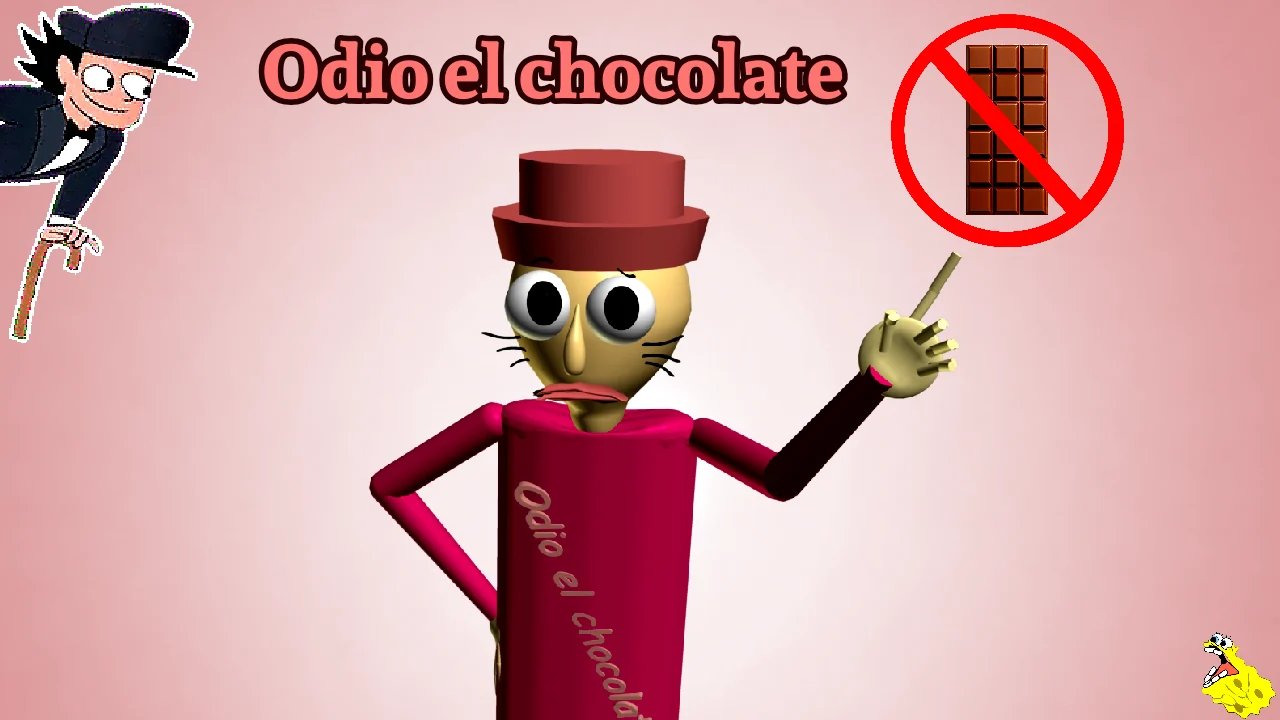
ENTER. EXPLORE. SURVIVE.ODIO EL
CHOCOLATEClick to play
CHOCOLATEClick to play
Keyboard & mouse recommendedControls
Hosted by static.odioelchocolate.org · Touch controls unverified. The initial download may be large.
A Wantho mod related to Baldi’s Basics. This third-party browser edition may differ from the original releases.
Compare editionsFIND YOUR WAY
Less guessing. More playing.
What you need, right when you need it.
CHOCOLATE, CORRIDORS & CHAOS
One very strange school.
Odio el Chocolate—also searched as odioelchocolate—mixes the school-horror setting of a Baldi’s Basics mod with absurd humor. Wantho is the author of the published Windows and Android releases.
The browser host describes searching for chocolates through classrooms and corridors. Always check your edition’s instructions: we do not publish unverified routes or character behaviors.
See Wantho’s release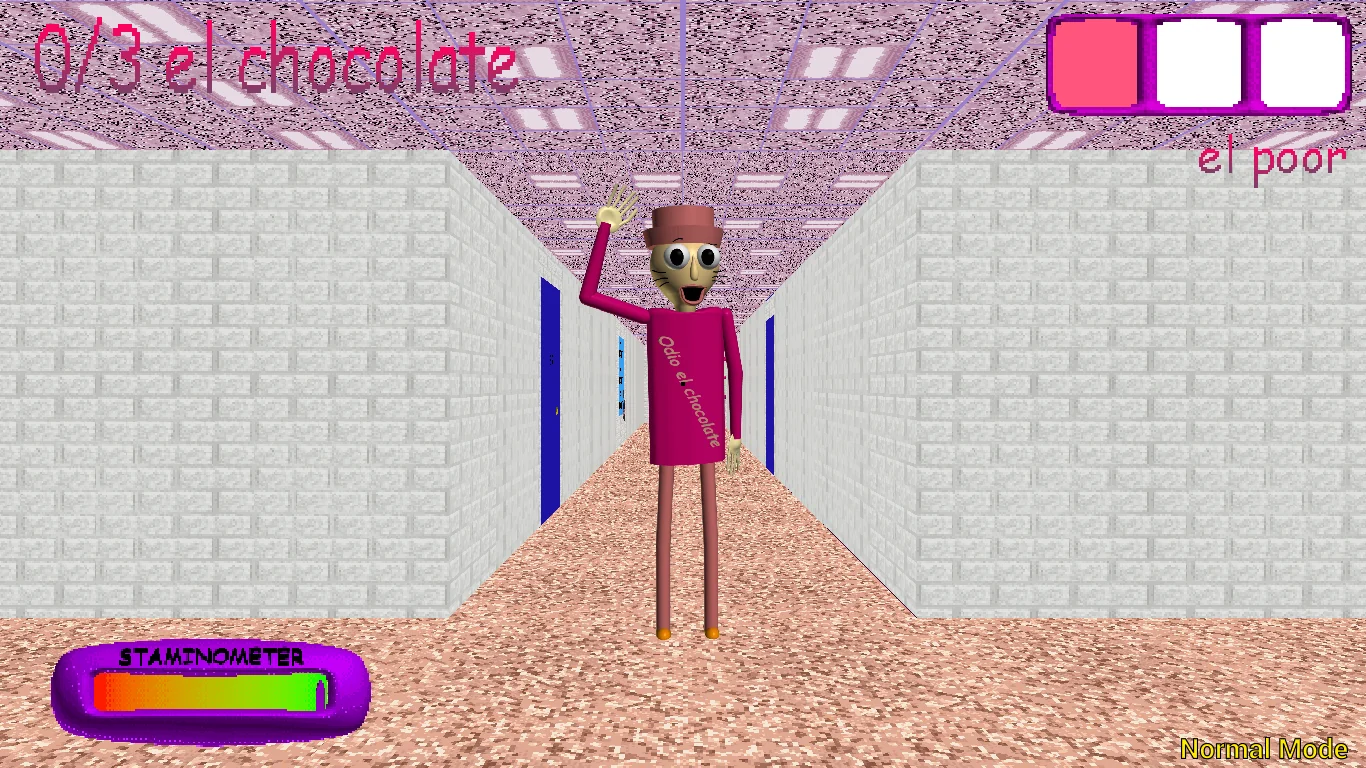
MORE THAN COLLECTING
What you actually do in a run
A search built from small decisions
Your task is not to memorize a story paragraph: it is to understand your mode, search the school and keep your next move clear. Main’s menu combines two tasks: collect 13 chocolates and get out. Reaching the target count does not replace any exit instructions that follow.
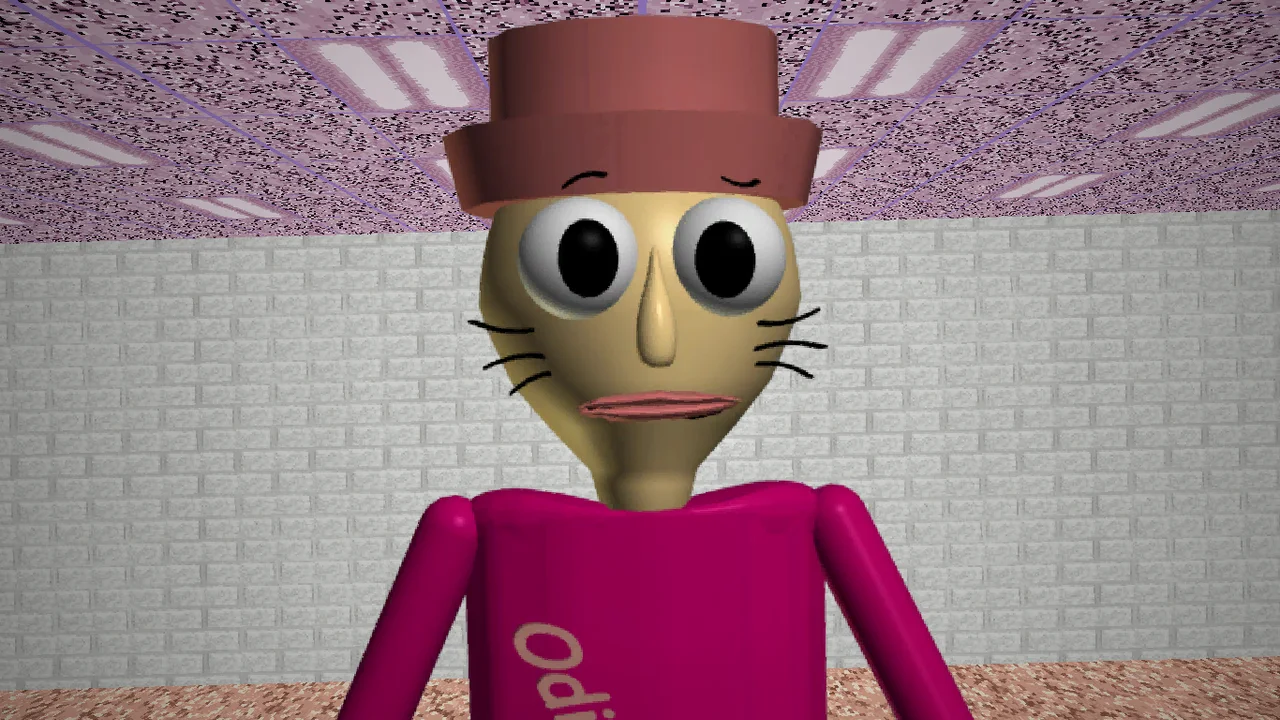
The title means “I hate chocolate,” yet chocolate is central to the search. Its scenes combine classrooms, corridors, exaggerated characters and visual jokes. If a video brought you here, learn the screen indicators before trying to imitate a fast run.
Learn to read the screenSearch with a plan
Group your search into areas: entrance, first corridor and connected rooms. This organizes exploration; it is not an official map. As you leave a room, remember which doorway you just checked.
Confirm each pickup
Use the HUD number as your confirmation. A click and a nearby-looking object are not enough to establish a pickup. Our website checklist helps you record progress, but never reads or changes the game.
Prepare the return
Before moving away, identify a landmark and the turn back. In Main, stay attentive after the last chocolate: follow your edition’s exit objective. A screenshot or a checklist with 13 marks is not a win.
Reviewed October 25, 2026: menus and images published by Wantho; controls described by the browser host. Practice recommendations are our editorial guidance, not a speedrun route or a play-through verified by us. Wantho ↗ · Browser source ↗
PRESS PLAY
Before your first escape.
Two videos to get a feel for the game. YouTube loads when you press play.


A LITTLE HELP
Good questions.
01Is this the official website?
No. This is an independent fan site. The original Windows and Android releases are on Wantho’s itch.io profile.
02Will it work on my phone?
The website adapts to mobile screens, but game touch controls have not been verified. The Android edition is a separate download and the author warns of issues on some devices.
03Why is loading taking a while?
The game downloads external resources when started. A slow network, limited memory or browser restrictions can stop loading. Try the direct link or check the original downloads.
04How many chocolates do I collect?
Images show counters of 3 and 13. Targets can change by stage; reaching 3/3 does not establish completion. Follow your edition’s counter and exit instructions. This site’s checklist is manual and adjustable.
05Can I play offline after installing the site?
No. Installation creates a shortcut and allows website content to be cached; the external game and videos still require Internet.